
{{ getFeatureName(action_mode) }} your image

Drop your image here.
Our popular AI tools
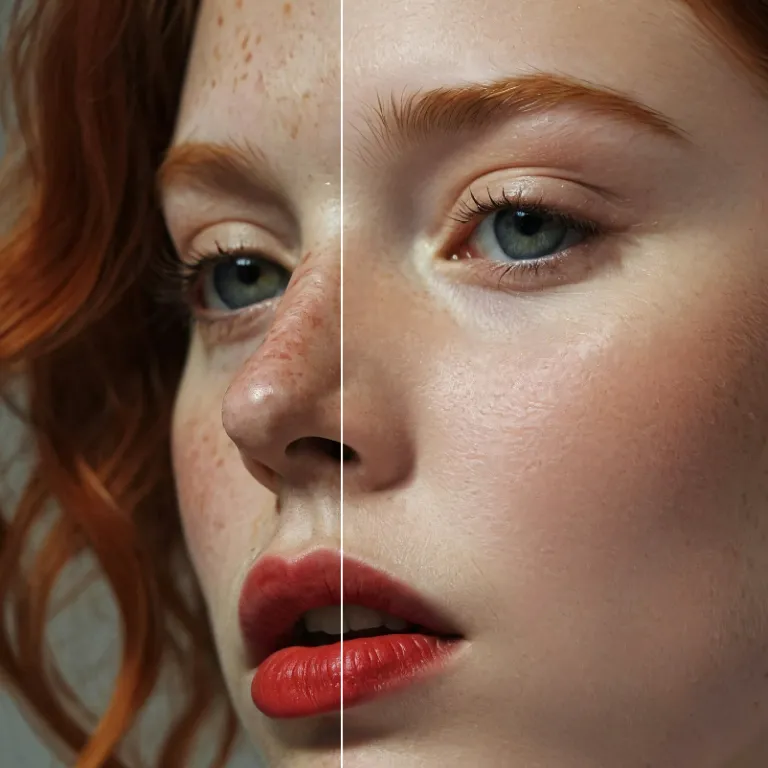
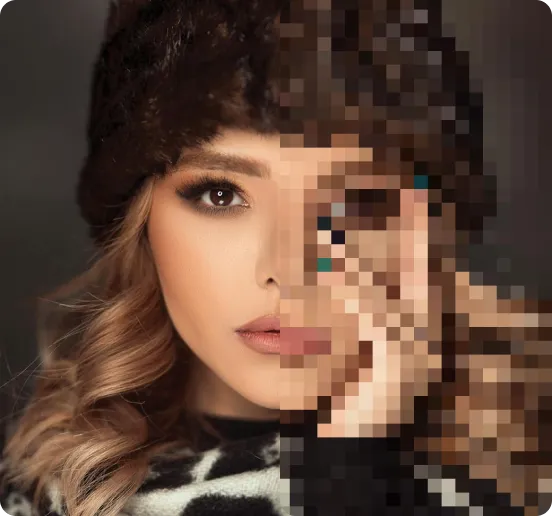
Enhance Photo
Automatically enhance the blurry photo's resolution and increase the overall quality.
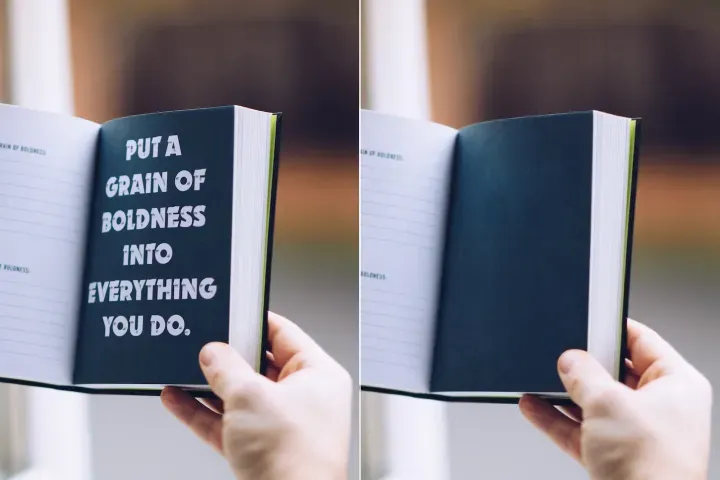
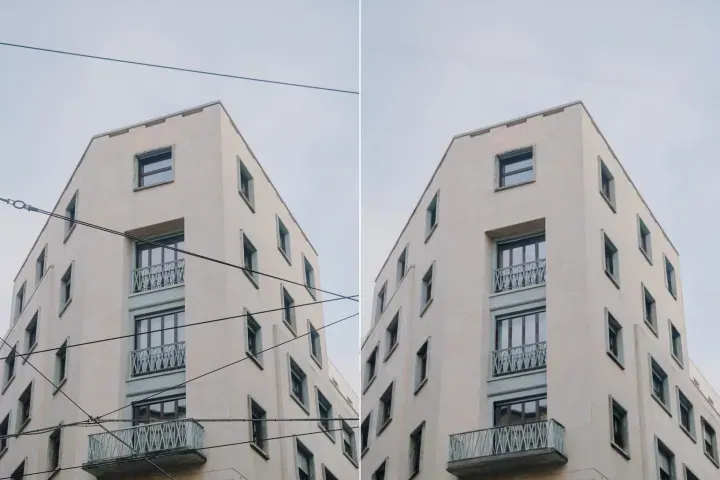
Remove Objects
AIPhotor's One-Touch AI simply detects and removes unwanted details in your picture.
Remove Background
Seamlessly remove background from photos. Edit background with 100+ well-designed templates.
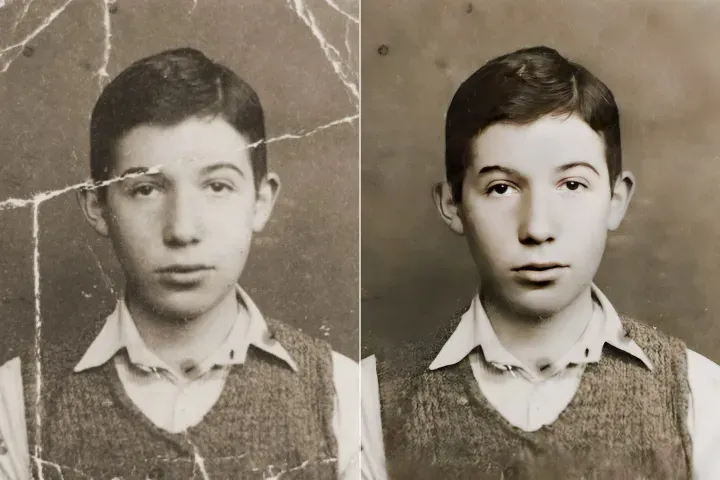
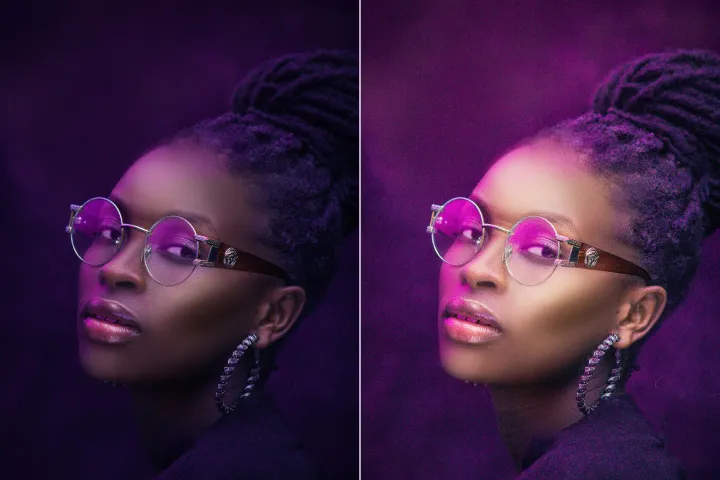
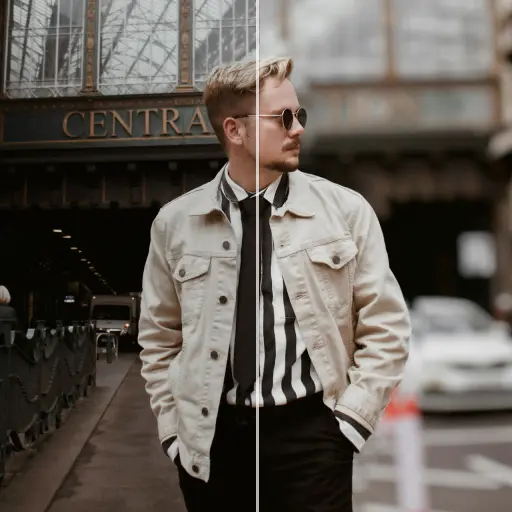
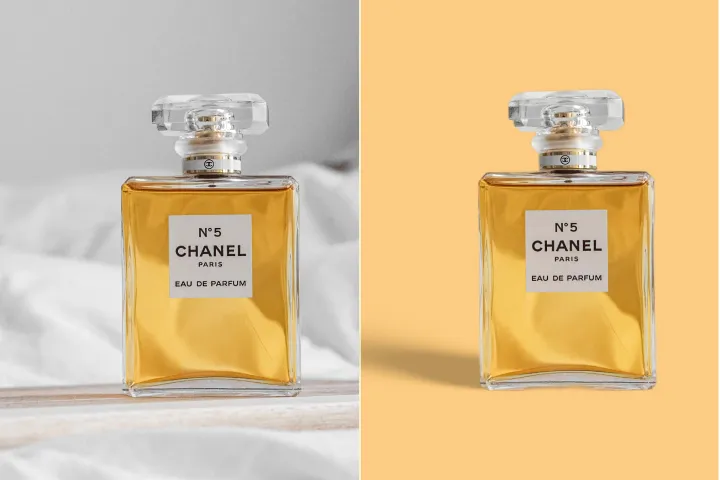
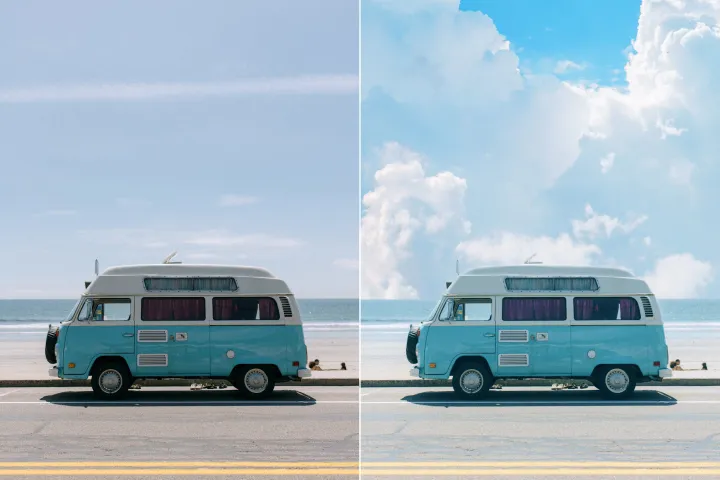
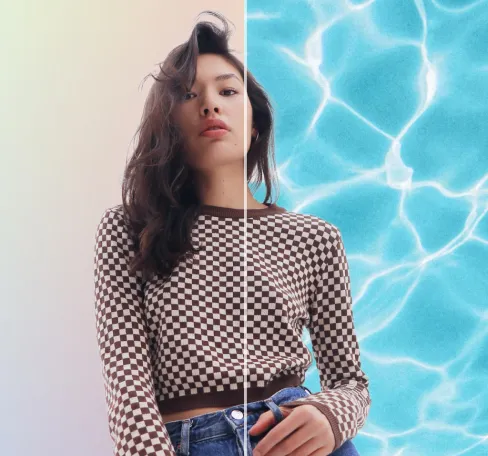
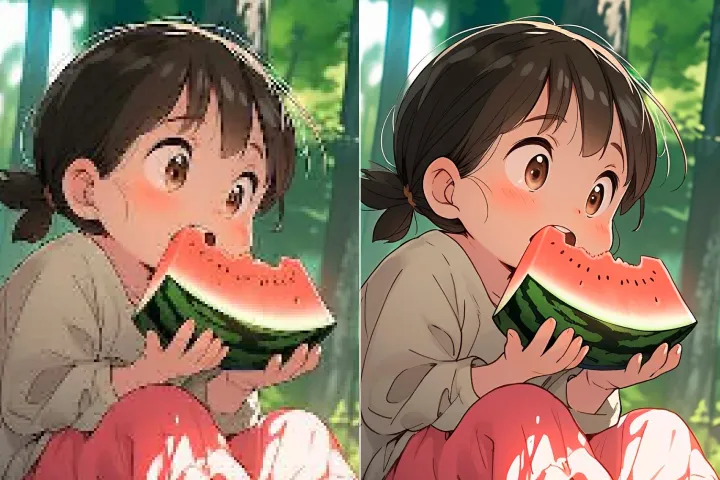
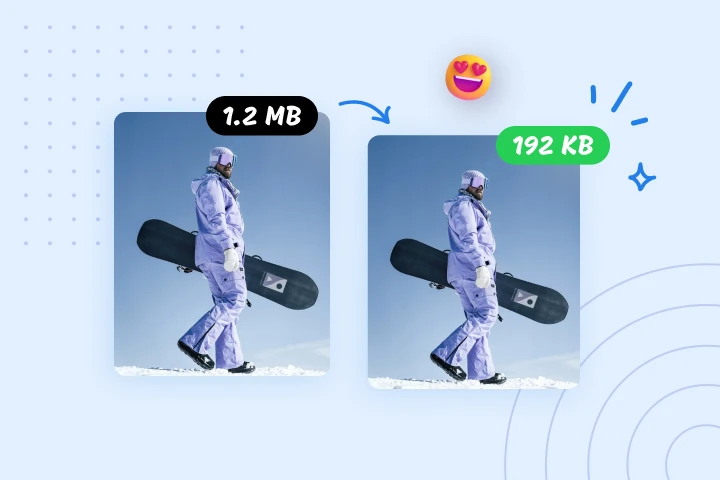
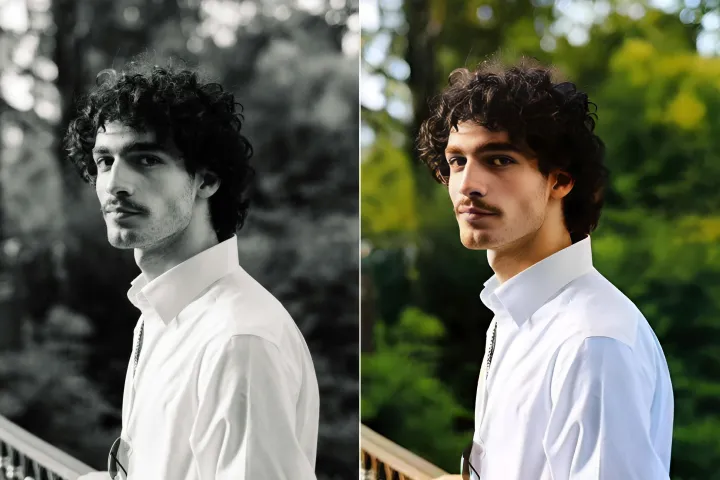
تمويه خلفية الصور مجاناً
إنشاء عروض PDF مركزة بسهولة باستخدام إعدادات تمويه الخلفية لتقليل التشتت وتسريع التنقل.
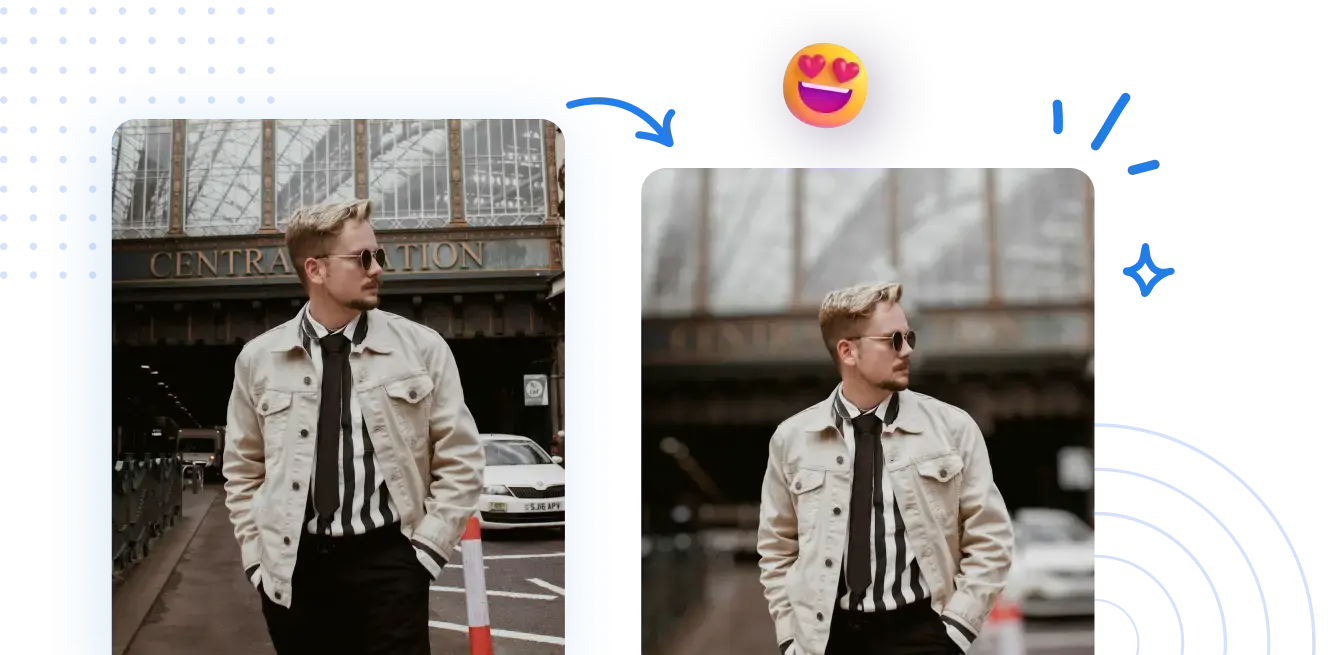



كيفية تطبيق تمويه الخلفية على صفحات PDF من أجل تنقل أكثر وضوحاً.
التأكيد على تنقل PDF والوصول المباشر: لا حاجة للإعداد. قفز مباشرة إلى الصفحات أو الأقسام أو مواضع المستند بدقة وسرعة؛ تنقل ببضع نقرات.
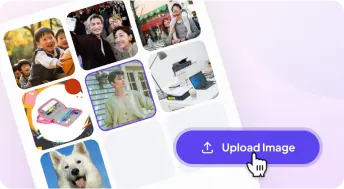
1 تحميل صورة
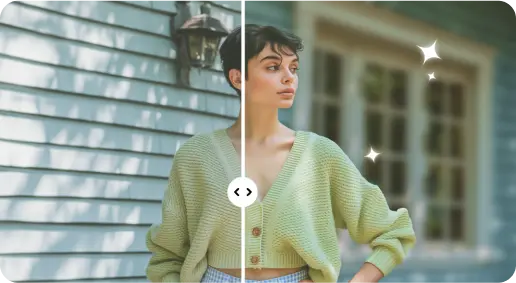
2 تشويش الخلفية بتأثيرات مدعومة بالذكاء الاصطناعي
3 احفظ الصورة الجديدة
حافة مثالية أداة تمويه الخلفية
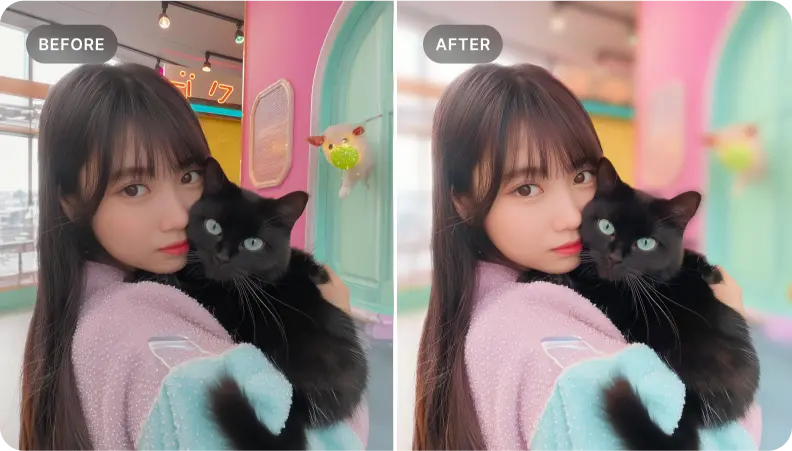
إضافة عمق إلى صور البورتريه
استفد من الوصول المباشر لإبراز الأقسام الرئيسية في ملفات PDF، وتوجيه الانتباه إلى المحتوى الحاسم وتعزيز بنية المستند.
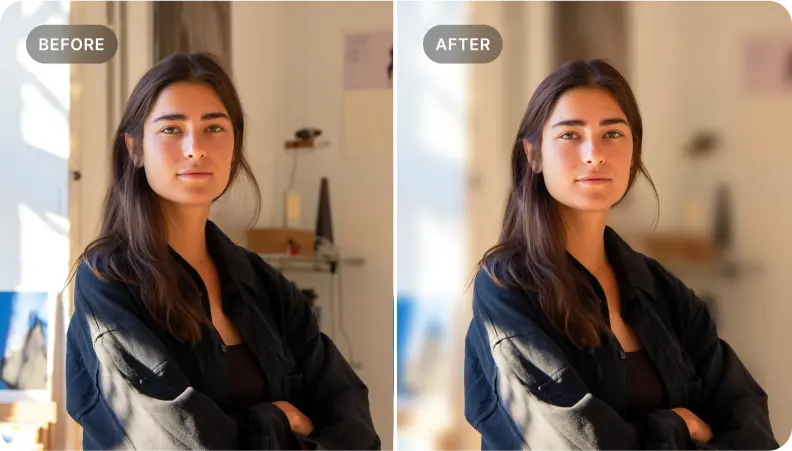
تعزيز توثيق المنتج من خلال التنقل الدقيق في PDF
كما هو الحال مع كتالوجات المنتجات، انتقل مباشرةً إلى المواصفات والميزات والأسعار. أبرز التفاصيل من خلال تنقل مركّز لتعزيز التفاعل واتخاذ قرارات أسرع.
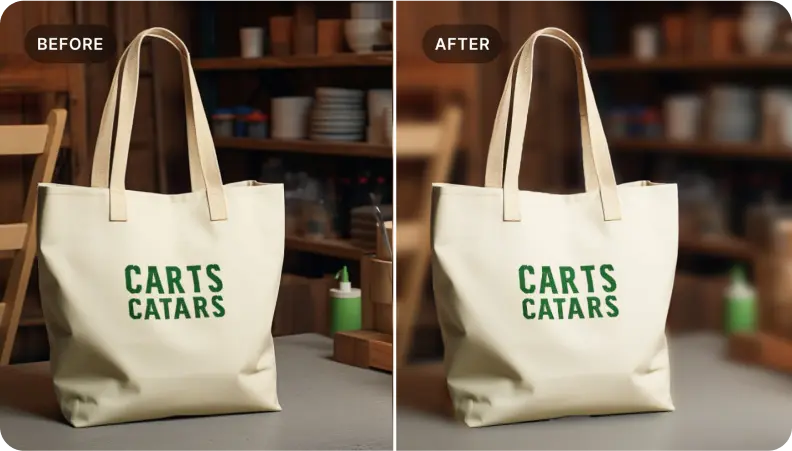
استهدف أقسام محددة في ملفات PDF مع وصول مباشر
مثالي للقراء الذين يحتاجون إلى عزل المحتوى الأساسي. انتقل مباشرةً إلى السياق المحيط وحافظ على تدفق واضح وقابل للتنقل.

Free to Try
AIPhotor is free to try for 3 days, after which you can subscribe to one of our incredible value plans.

Free to Try
We automatically sharpen and transform your images with AI to create multiple final looks. But you can also adjust and add a prompt to customize the results. Choose what works best for you!

Quick & Easy
Screen, edit, resize and download your photos lightning fast.

Compatible with all devices
AIPhotor is available on the iOS and Android stores. Our app works seamlessly across mobile, desktop, and tablet devices.
Frequently Asked Questions
-
What is AIPhotor Photo Editor?

 AIPhotor is a visual online photo editing website that leverages AI technology to help automatically remove objects/people from images; retouch, enhance, colorize, correct, cartoonize, and animate photos in a snap, replacing other photo editing tools Photoshop, Pixlr editor, or Photopea.
Or just drag & drop image here, upto 50 images at once
Or just drag & drop image here, upto 50 images at once
Frequently Asked Questions
-
What is AIPhotor Photo Editor?
AIPhotor is a visual online photo editing website that leverages AI technology to help automatically remove objects/people from images; retouch, enhance, colorize, correct, cartoonize, and animate photos in a snap, replacing other photo editing tools Photoshop, Pixlr editor, or Photopea.