
{{ getFeatureName(action_mode) }} your image

Drop your image here.
Our popular AI tools
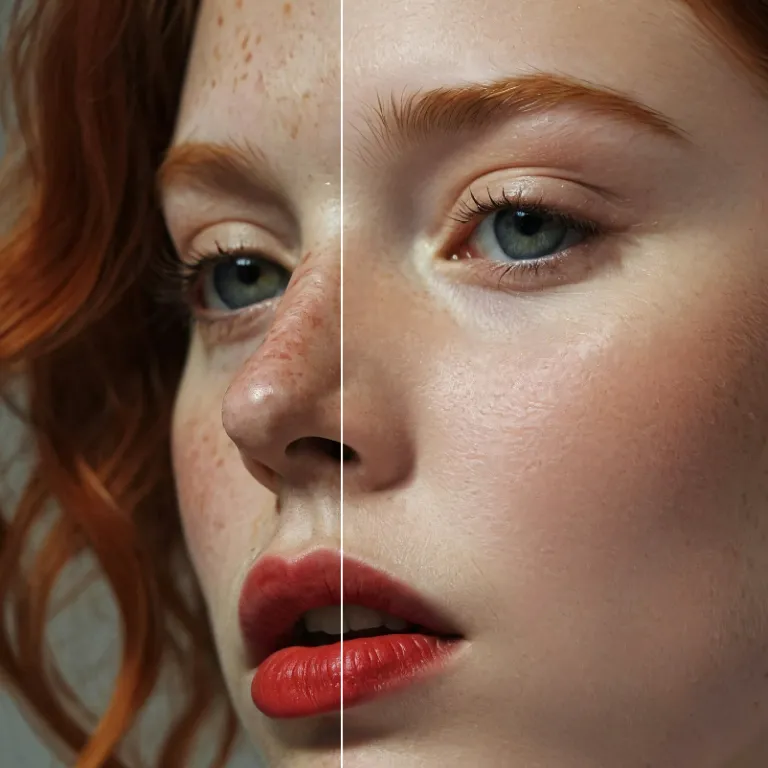
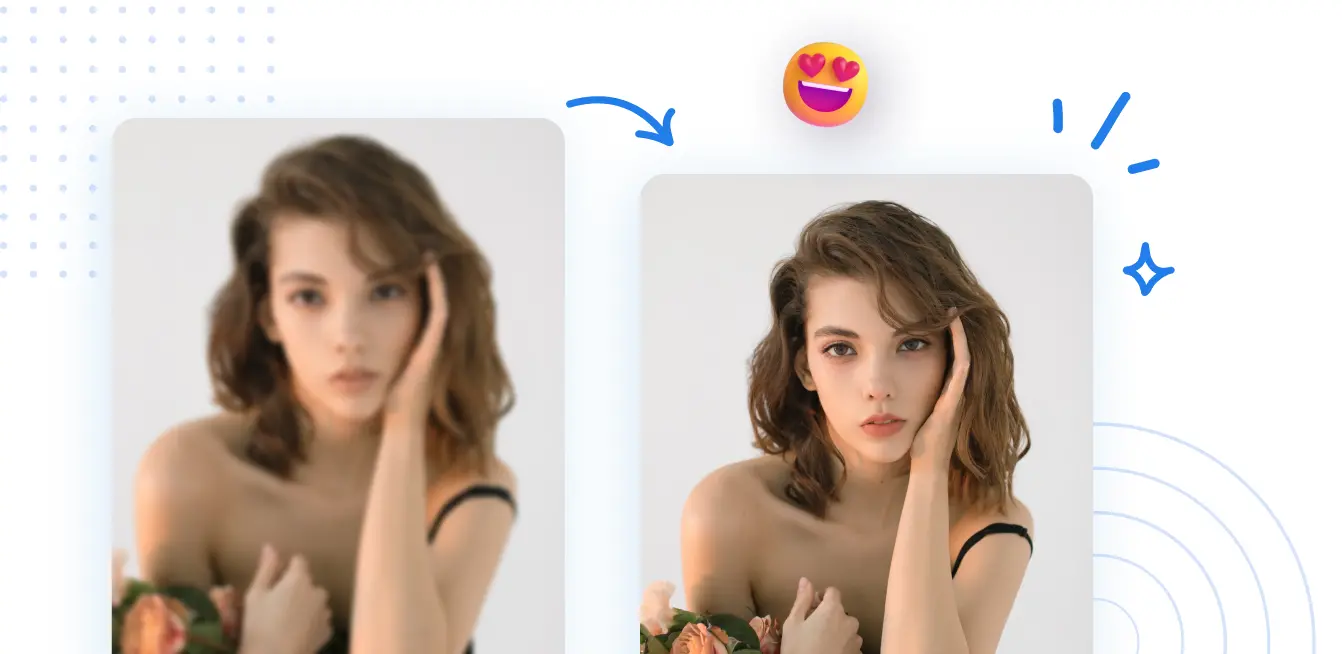
Enhance Photo
Automatically enhance the blurry photo's resolution and increase the overall quality.
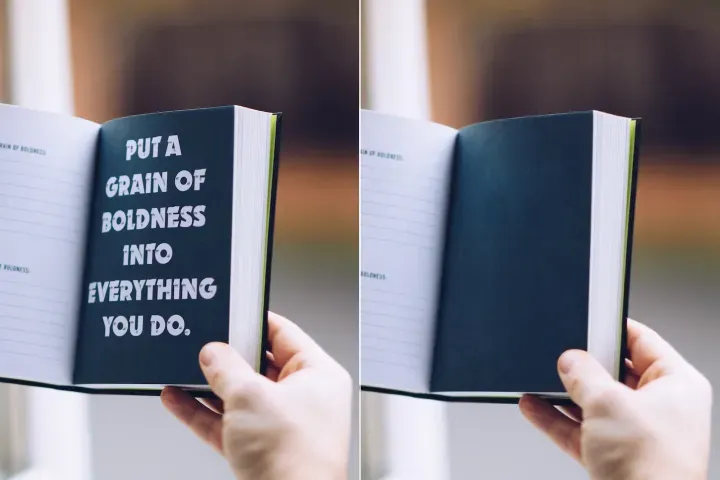
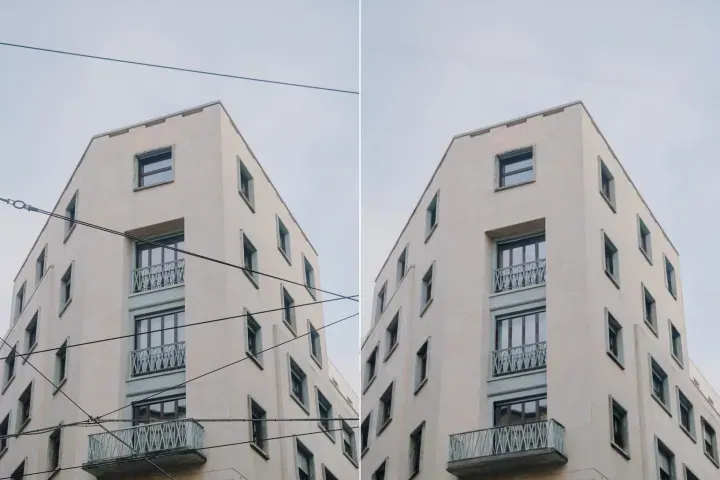
Remove Objects
AIPhotor's One-Touch AI simply detects and removes unwanted details in your picture.
Remove Background
Seamlessly remove background from photos. Edit background with 100+ well-designed templates.
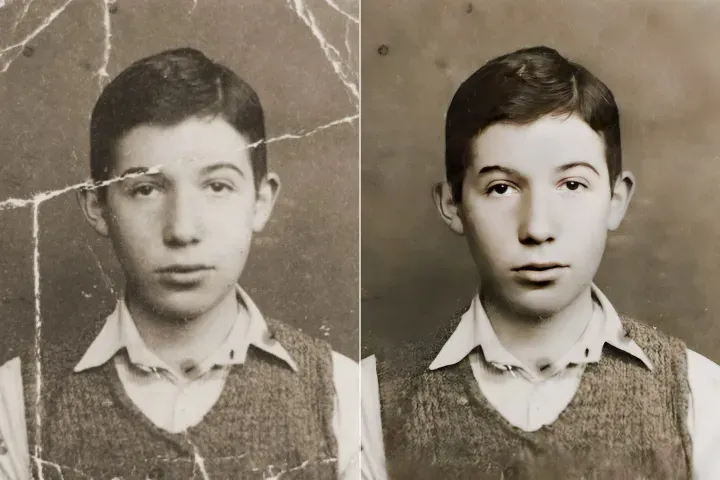
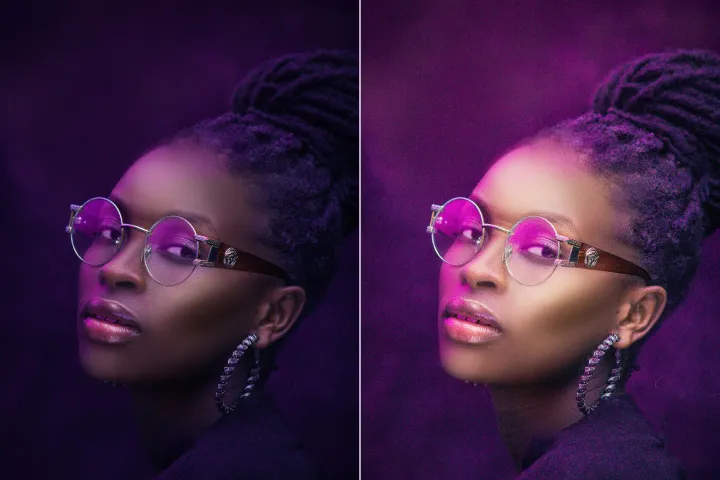
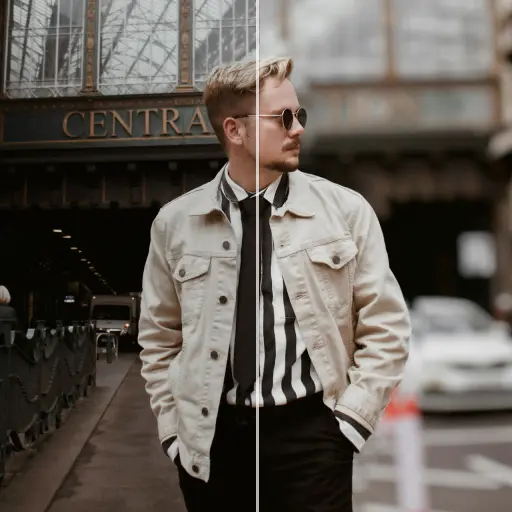
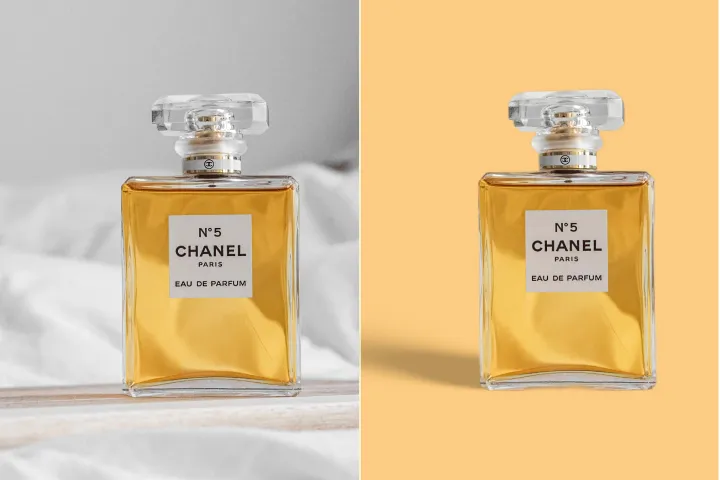
Tingkatkan Kualiti Gambar Secara Dalam Talian
dengan AI
Tingkatkan kualiti imej PDF terbenam dengan Penambah Visual AI yang canggih daripada PdfGoTo, membolehkan akses langsung daripada halaman atau gambar tertentu kepada penambahbaikan.


Navigasi PDF dan Akses Langsung: Cara Menggunakan
Navigasi PDF pada sebarang peranti dengan lompat langsung ke halaman, bahagian, atau kedudukan dokumen. Pindahkan dengan cepat dan tepat ke kandungan sasaran anda menggunakan PdfGoTo:, dalam beberapa langkah yang jelas.
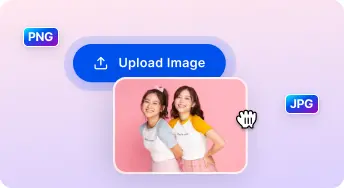
1 Muat naik gambar
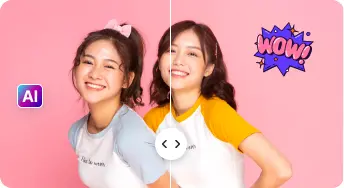
2 Bandingkan & Sesuaikan:
3 Muat turun & kongsi:
AI Serba Lengkap Kits Penambah Foto
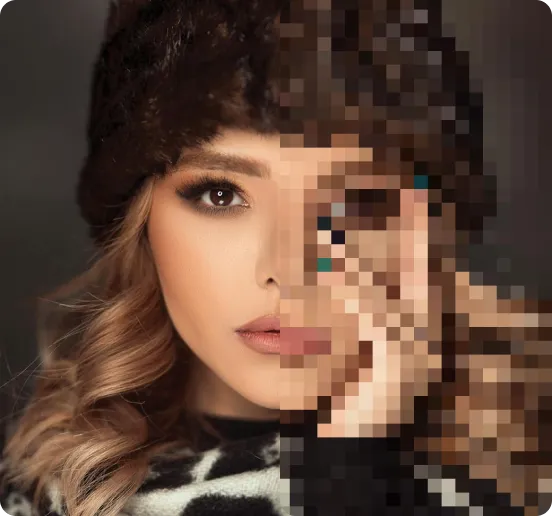
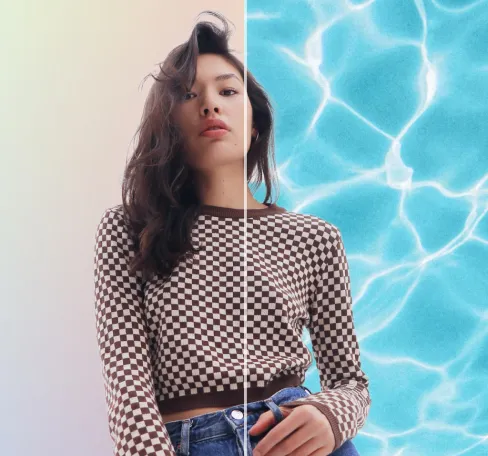
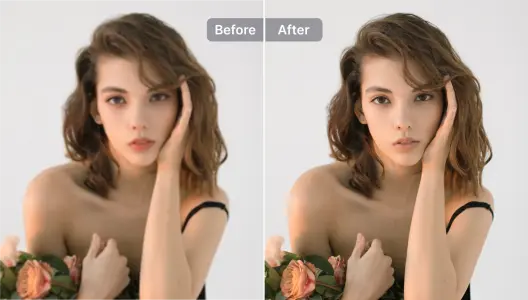
Tingkatkan Potret dan Selfie
Navigasi bahagian secara semula jadi; kekalkan konteks dan penjajaran ketika melompat antara halaman dan bab.
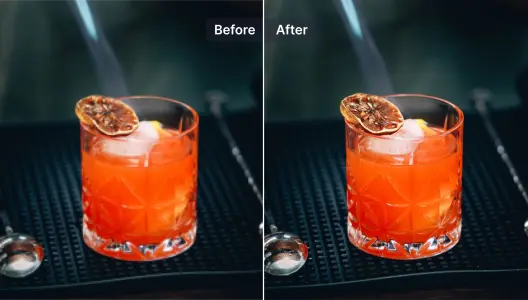
Tingkatkan Gambar Produk
Melompat ke penanda buku dan tajuk dengan paparan segera untuk meningkatkan kecekapan navigasi.
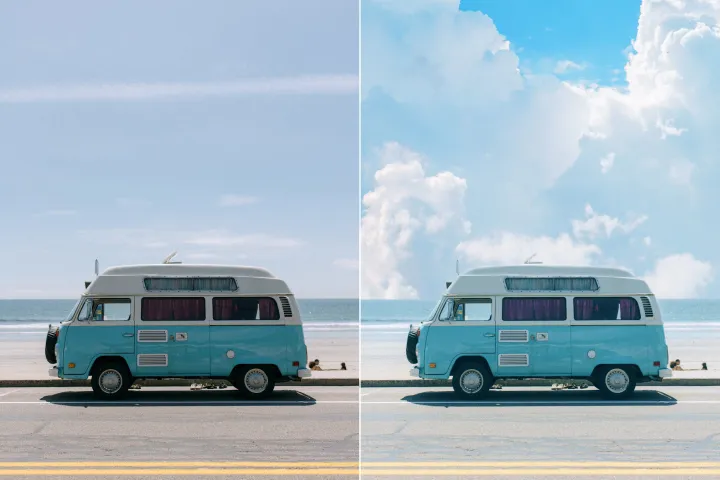
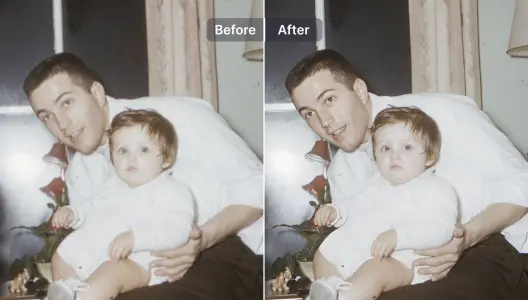
Tingkatkan dan Baiki Gambar Kabur
Cari butiran secara langsung pada halaman yang padat atau diimbas dan pulihkan kebolehbacaan melalui pembesaran tepat dan pemulihan paparan.
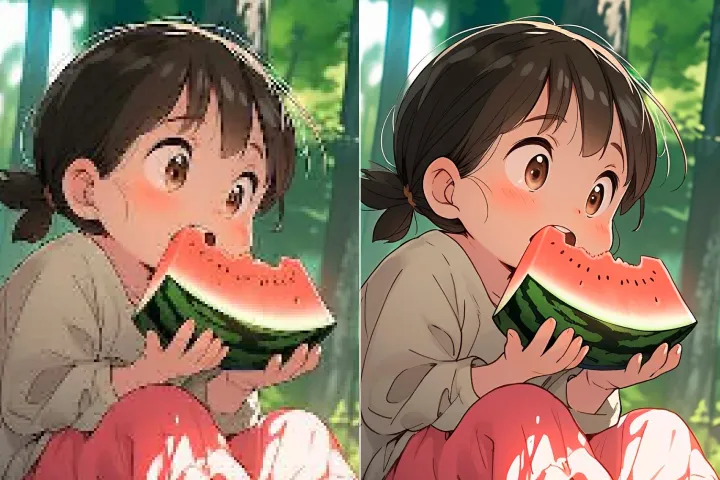
Tingkatkan ilustrasi dan reka bentuk grafik
Pertahankan ketulenan susun atur semasa menavigasi: ilustrasi yang tajam, grafik, dan rajah semasa pembesaran atau penyesuaian paparan.
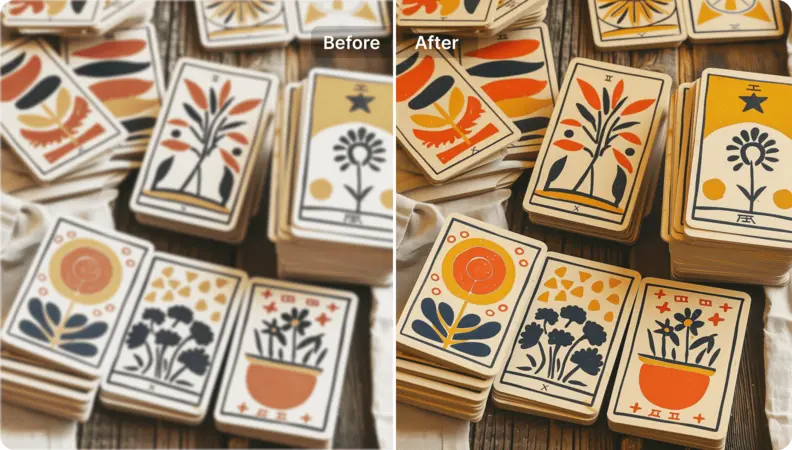
Tingkatkan imej seni
Tukarkan imej atau grafik tertanam menjadi aset beresolusi tinggi yang siap paparan melalui pengekstrakan halaman secara langsung.
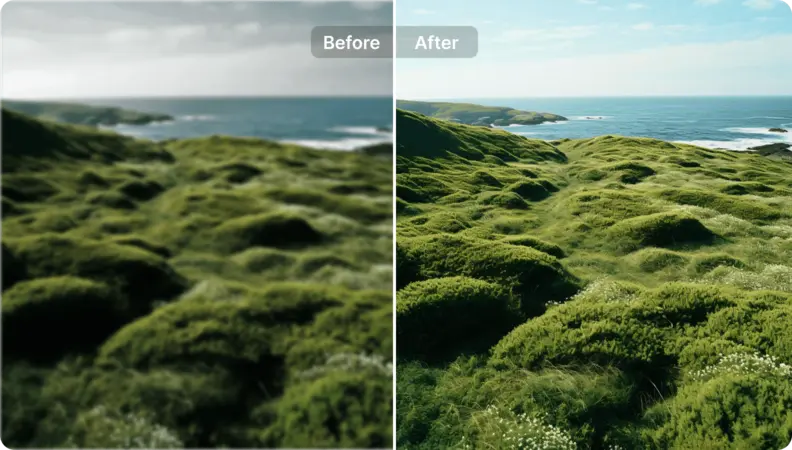
Hidupkan Semula Foto Landskap
Tingkatkan kejelasan dan kecekapan navigasi PDF. Gunakan arahan akses langsung untuk melompat ke halaman, bahagian, atau kedudukan tertentu, mencapai pergerakan yang pantas dan tepat serta aliran kerja navigasi yang lebih baik.

Free to Try
AIPhotor is free to try for 3 days, after which you can subscribe to one of our incredible value plans.

Free to Try
We automatically sharpen and transform your images with AI to create multiple final looks. But you can also adjust and add a prompt to customize the results. Choose what works best for you!

Quick & Easy
Screen, edit, resize and download your photos lightning fast.

Compatible with all devices
AIPhotor is available on the iOS and Android stores. Our app works seamlessly across mobile, desktop, and tablet devices.
Frequently Asked Questions
-
What is AIPhotor Photo Editor?

 AIPhotor is a visual online photo editing website that leverages AI technology to help automatically remove objects/people from images; retouch, enhance, colorize, correct, cartoonize, and animate photos in a snap, replacing other photo editing tools Photoshop, Pixlr editor, or Photopea.
Or just drag & drop image here, upto 50 images at once
Or just drag & drop image here, upto 50 images at once
Frequently Asked Questions
-
What is AIPhotor Photo Editor?
AIPhotor is a visual online photo editing website that leverages AI technology to help automatically remove objects/people from images; retouch, enhance, colorize, correct, cartoonize, and animate photos in a snap, replacing other photo editing tools Photoshop, Pixlr editor, or Photopea.