
{{ getFeatureName(action_mode) }} your image

Drop your image here.
Our popular AI tools
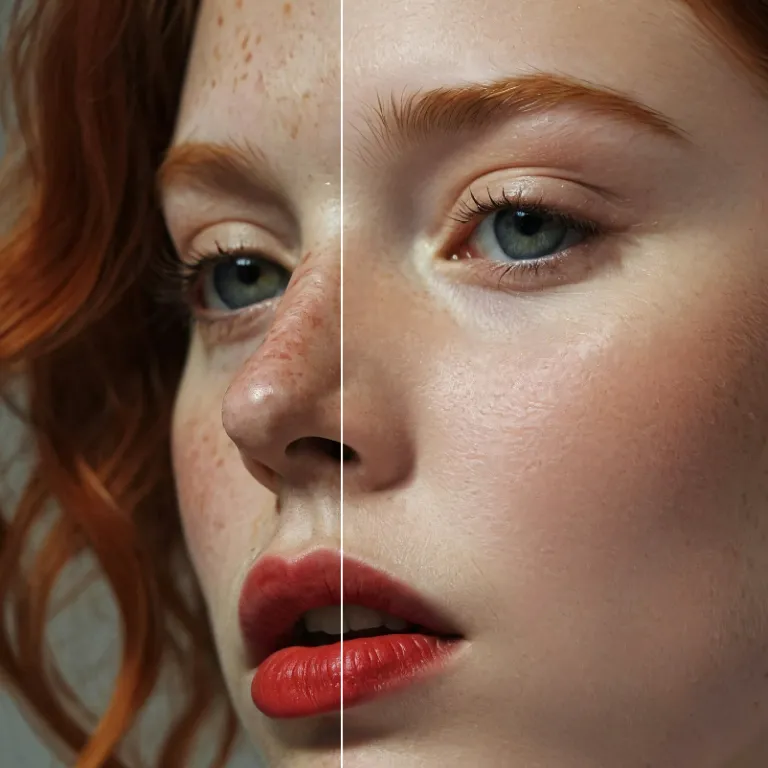
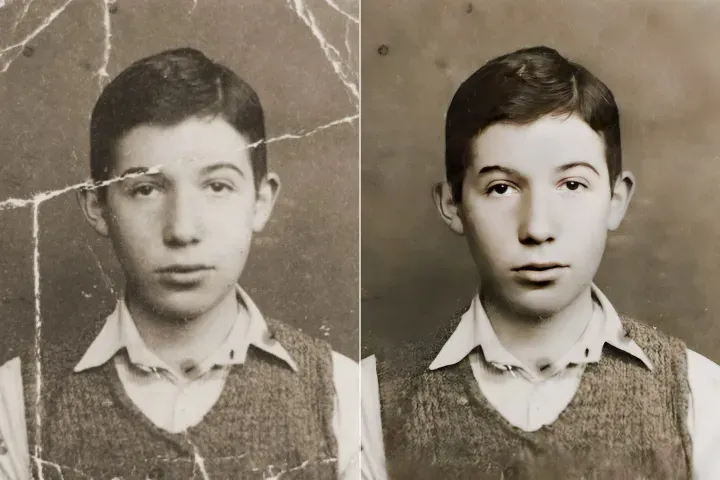
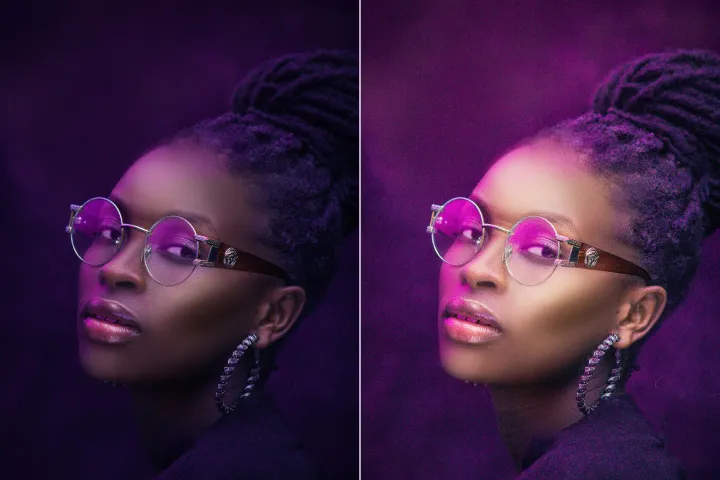
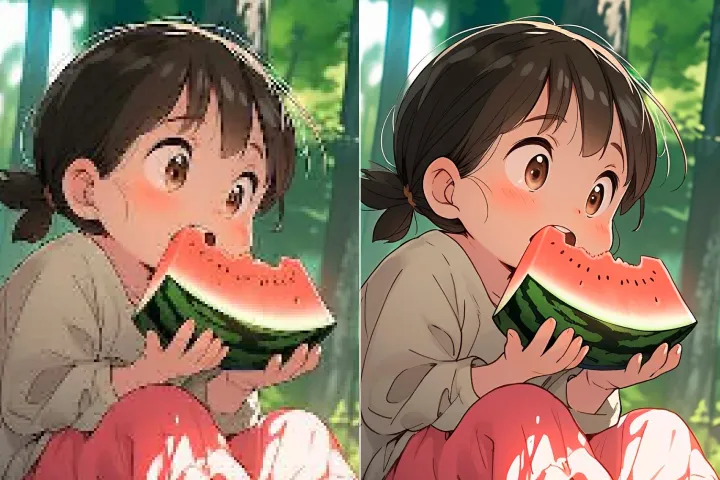
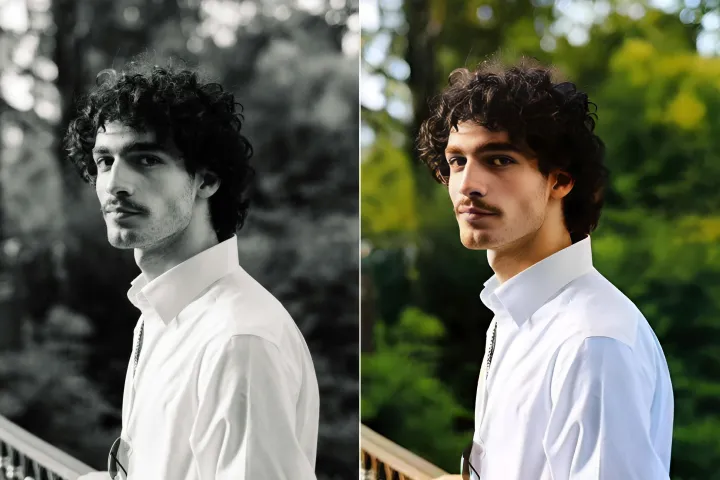
Enhance Photo
Automatically enhance the blurry photo's resolution and increase the overall quality.
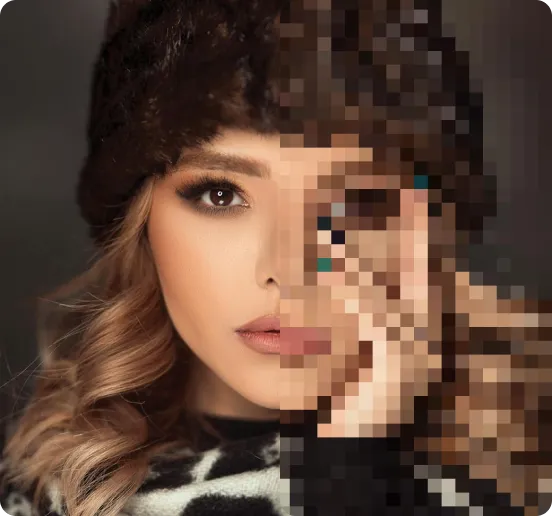
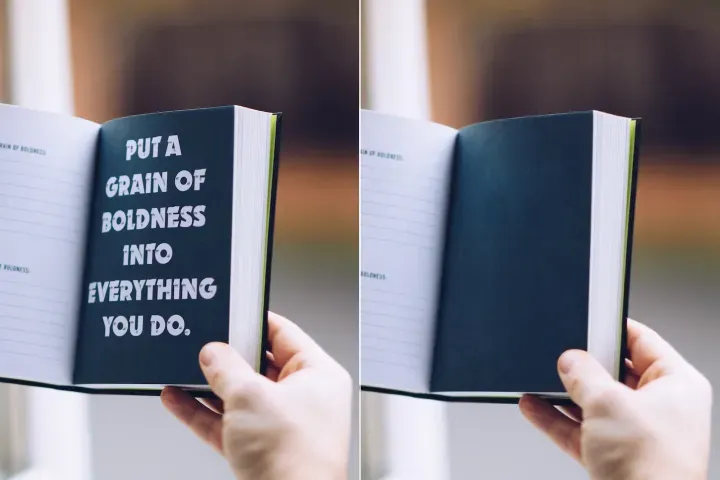
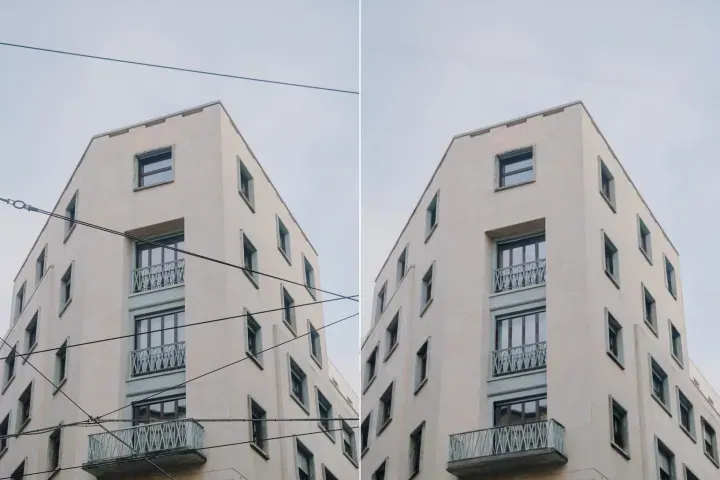
Remove Objects
AIPhotor's One-Touch AI simply detects and removes unwanted details in your picture.
Remove Background
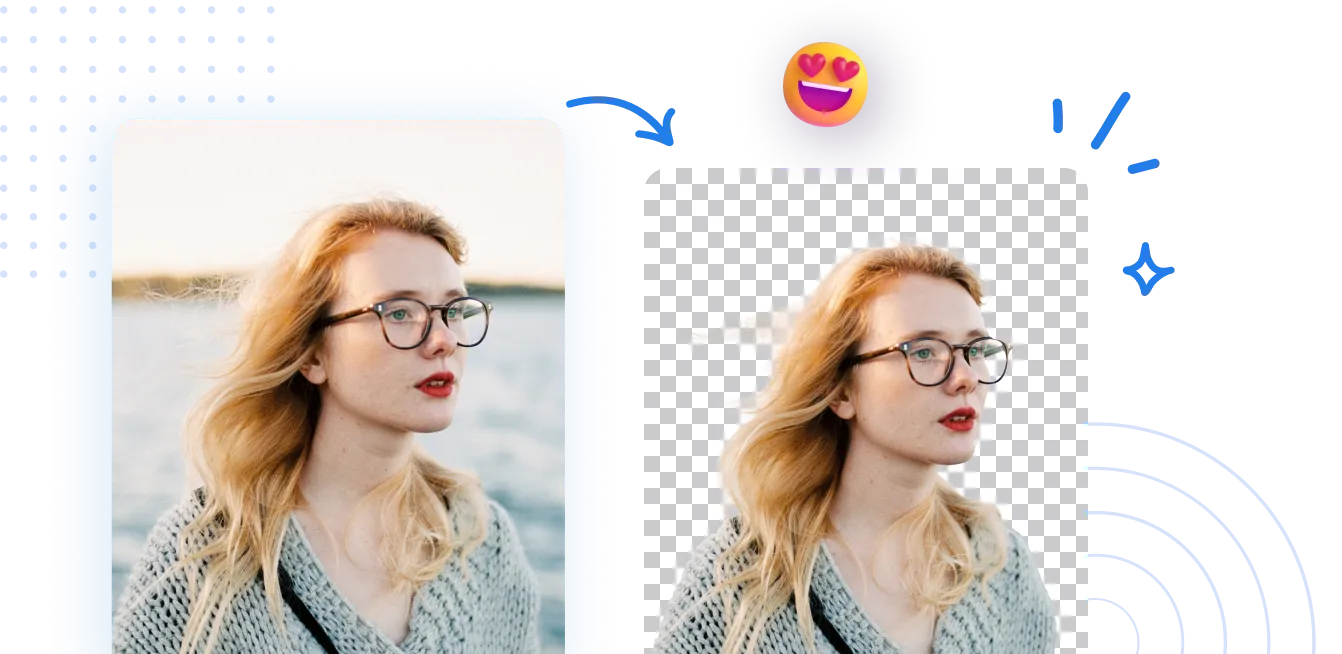
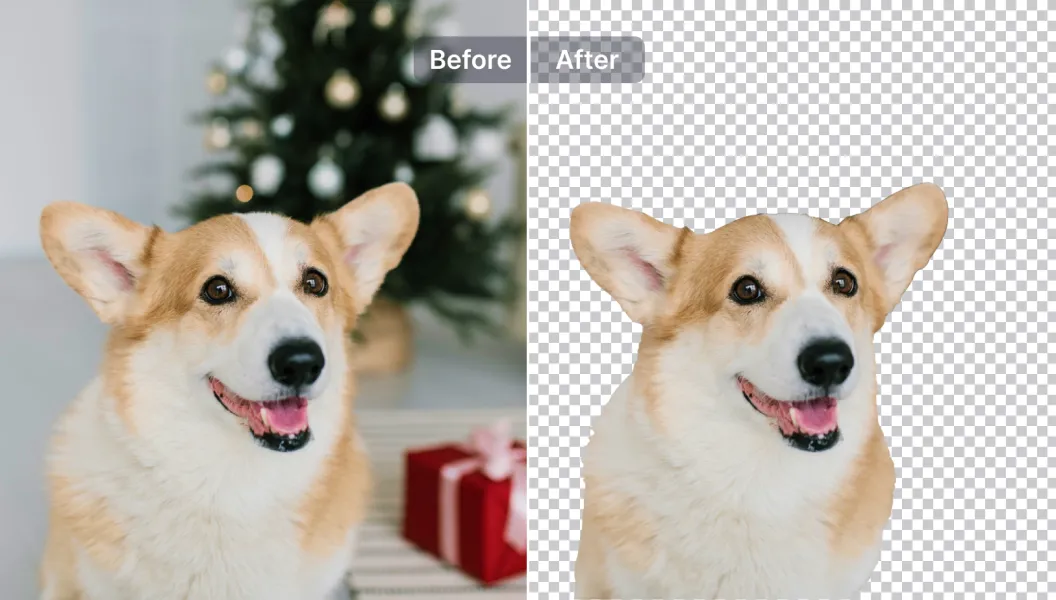
Seamlessly remove background from photos. Edit background with 100+ well-designed templates.

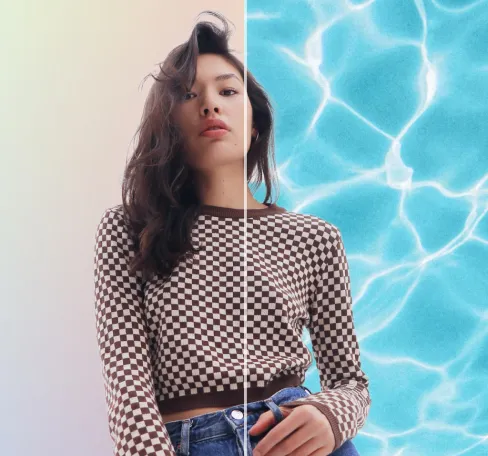
Achtergrond van afbeelding verwijderen
met AI
Navigeer door PDF's met nauwkeurige inhoudstoegang. Spring naar figuren, tabellen of secties; pas weergaven, annotaties of metadata aan in een paar klikken met de PDF Navigator.
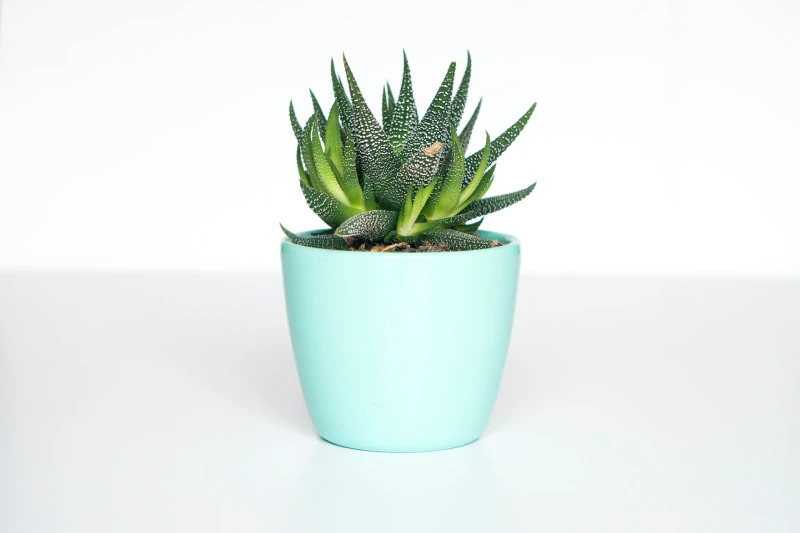
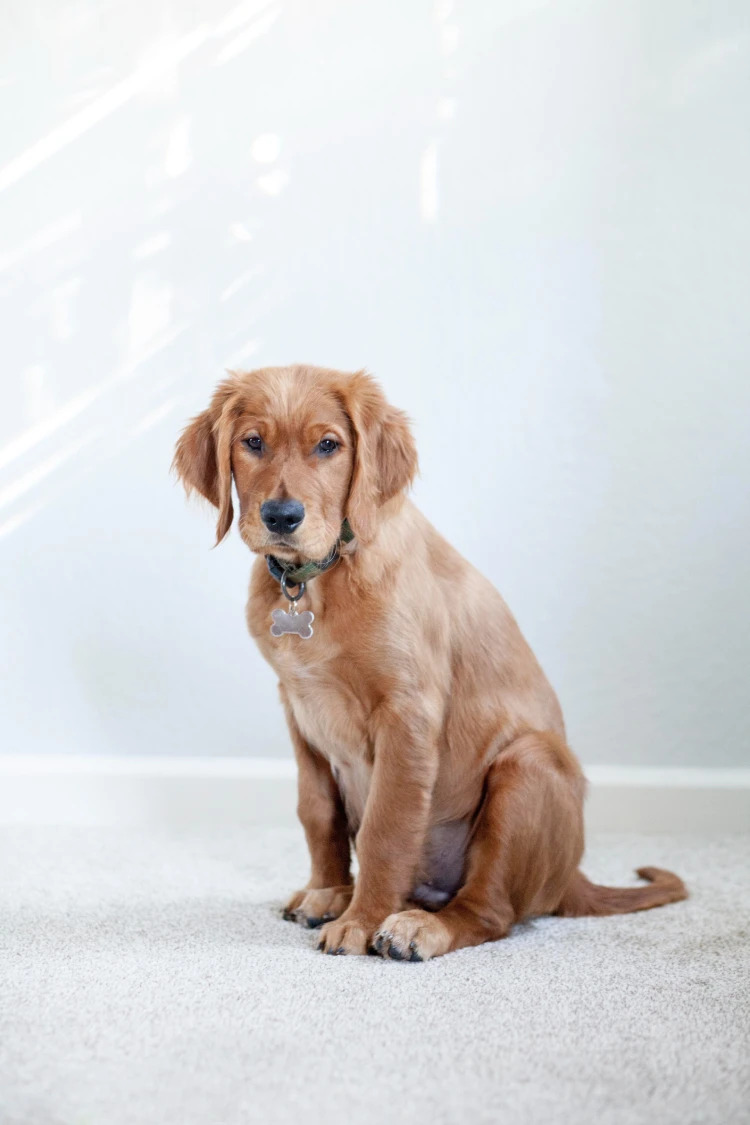
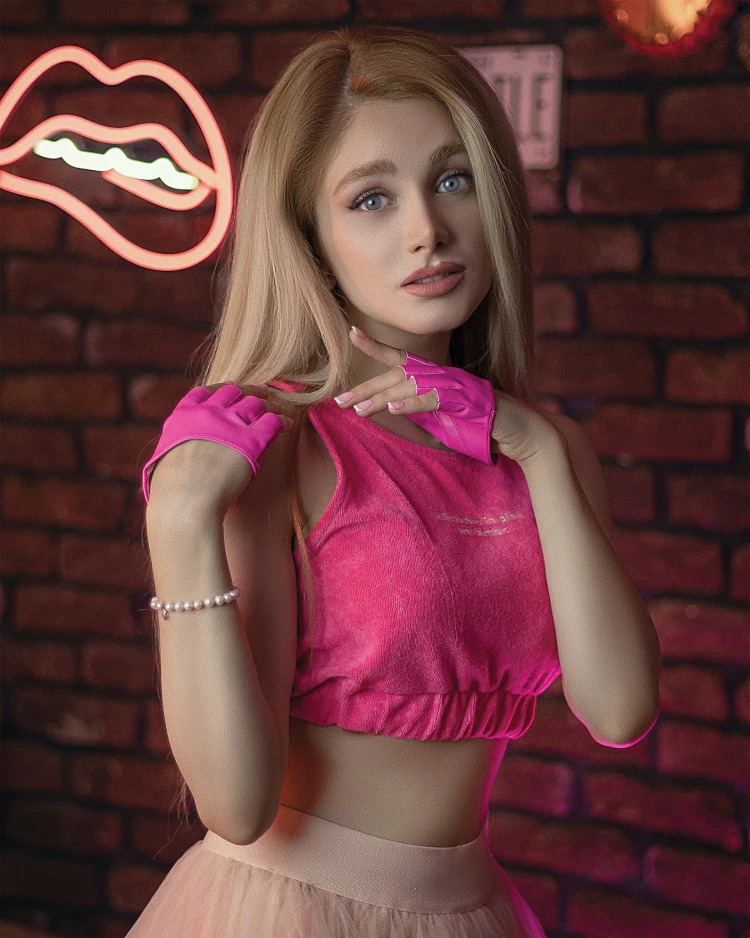
Hoe verwijder je de achtergrond van een foto?
Gebruik Directe Toegang in 3 eenvoudige stappen. Open eerst de PDF Navigator, selecteer vervolgens een doelpagina, sectie of positie, en volg de prompts om rechtstreeks toegang te krijgen.
1 Afbeelding uploaden
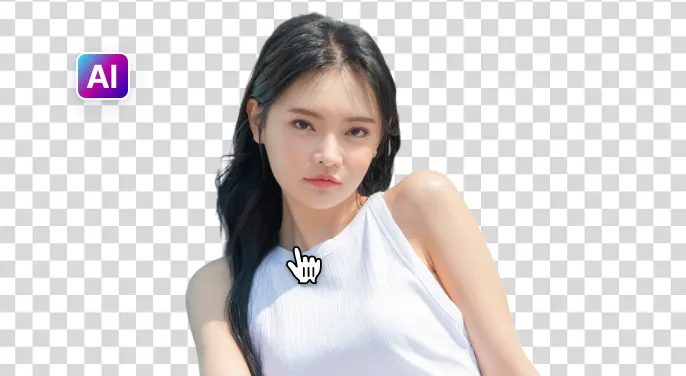
2 Wacht tot AI de achtergrond verwijdert.
3 Afbeelding downloaden
Verwijder de achtergrond van de afbeelding gemakkelijker met AI
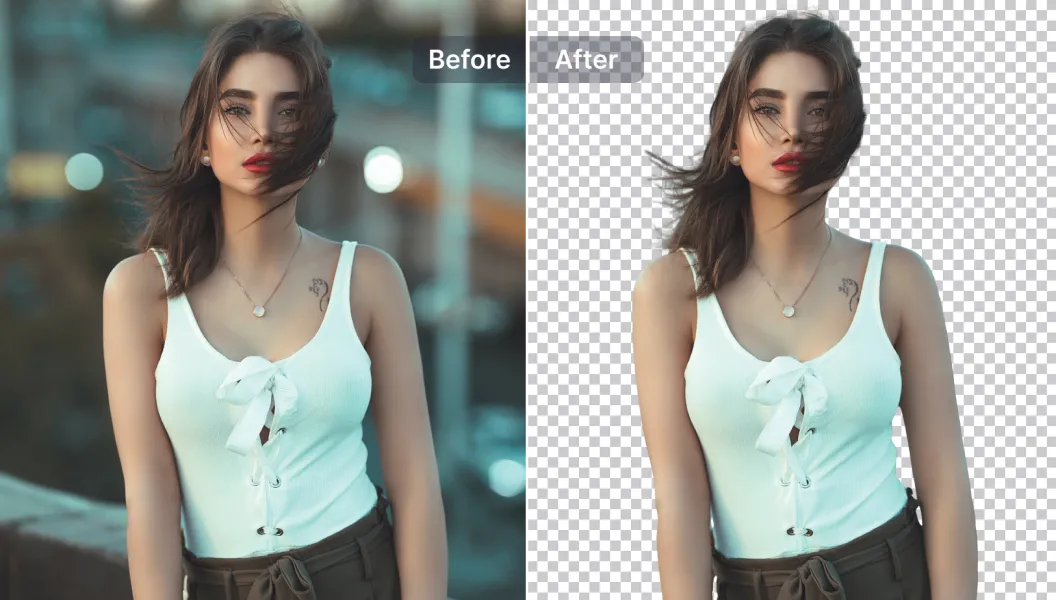
Snelle en nauwkeurige achtergrondverwijderaar
De PDF-navigator vindt snel de doelpagina of -sectie en springt in minder dan 5 seconden naar deze pagina, terwijl de documentstructuur en context behouden blijven voor nauwkeurige resultaten.
Krachtige bewerkingsopties
Verhoog uw PDF-navigatie met AI-gedreven functies: voeg annotaties en markeringen toe of verwijder ze, pas de weergavepanelen aan en verbeter de leesbaarheid binnen de navigator.
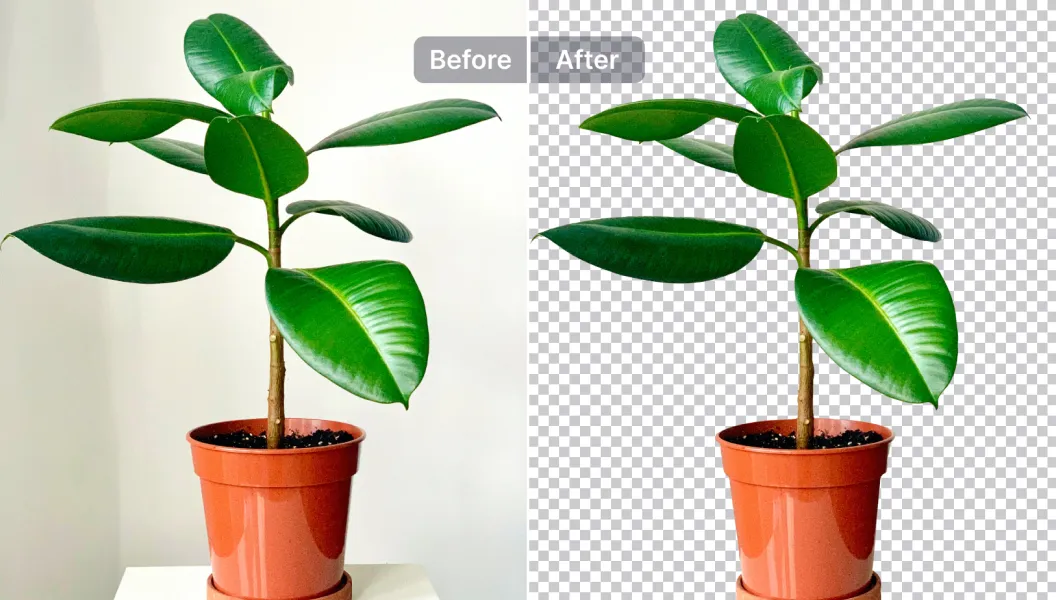
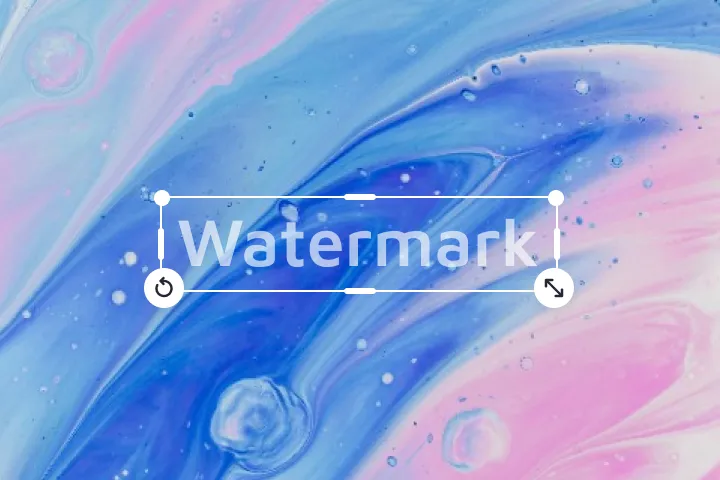
Bewerk, vervang of maak de achtergrond transparant
Pas annotatietemplates toe op secties, of kies uit meer dan 1500 navigatiesjablonen, of upload uw eigen. Ideaal voor gestandaardiseerde PDF's, brochures en rapporten.

Free to Try
AIPhotor is free to try for 3 days, after which you can subscribe to one of our incredible value plans.

Free to Try
We automatically sharpen and transform your images with AI to create multiple final looks. But you can also adjust and add a prompt to customize the results. Choose what works best for you!

Quick & Easy
Screen, edit, resize and download your photos lightning fast.

Compatible with all devices
AIPhotor is available on the iOS and Android stores. Our app works seamlessly across mobile, desktop, and tablet devices.
Frequently Asked Questions
-
What is AIPhotor Photo Editor?

 AIPhotor is a visual online photo editing website that leverages AI technology to help automatically remove objects/people from images; retouch, enhance, colorize, correct, cartoonize, and animate photos in a snap, replacing other photo editing tools Photoshop, Pixlr editor, or Photopea.
Or just drag & drop image here, upto 50 images at once
Or just drag & drop image here, upto 50 images at once
Frequently Asked Questions
-
What is AIPhotor Photo Editor?
AIPhotor is a visual online photo editing website that leverages AI technology to help automatically remove objects/people from images; retouch, enhance, colorize, correct, cartoonize, and animate photos in a snap, replacing other photo editing tools Photoshop, Pixlr editor, or Photopea.