
{{ getFeatureName(action_mode) }} your image

Drop your image here.
Our popular AI tools
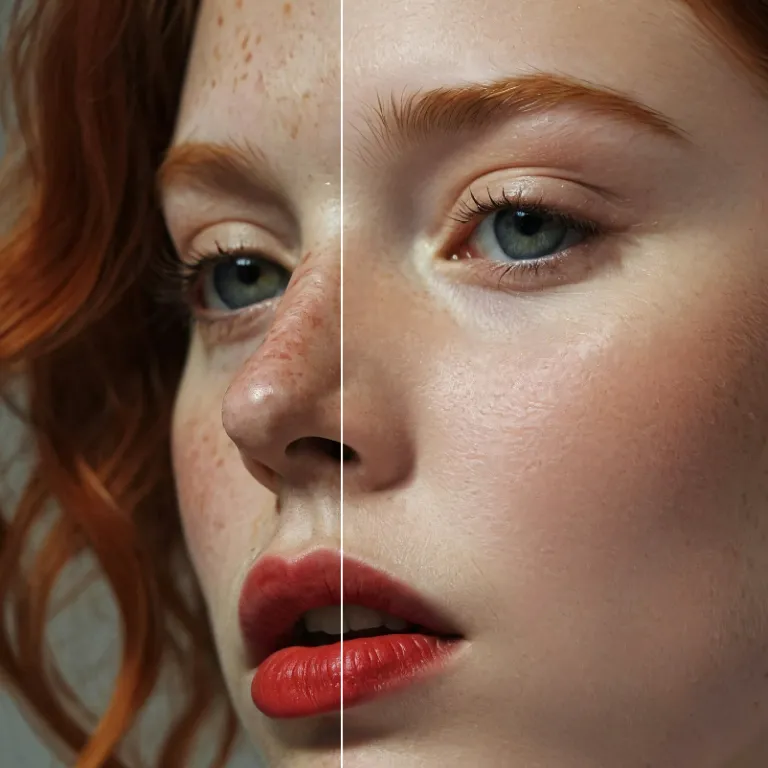
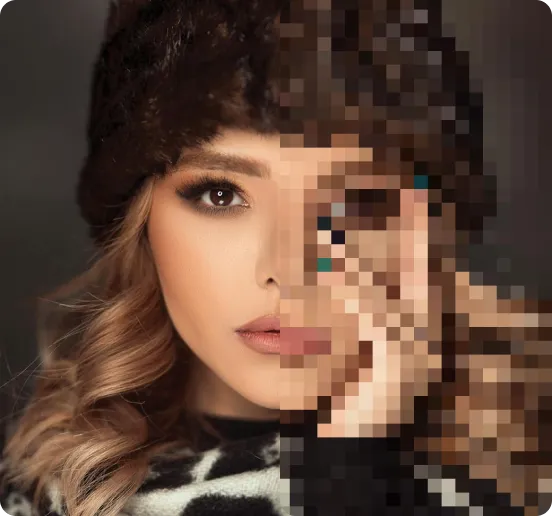
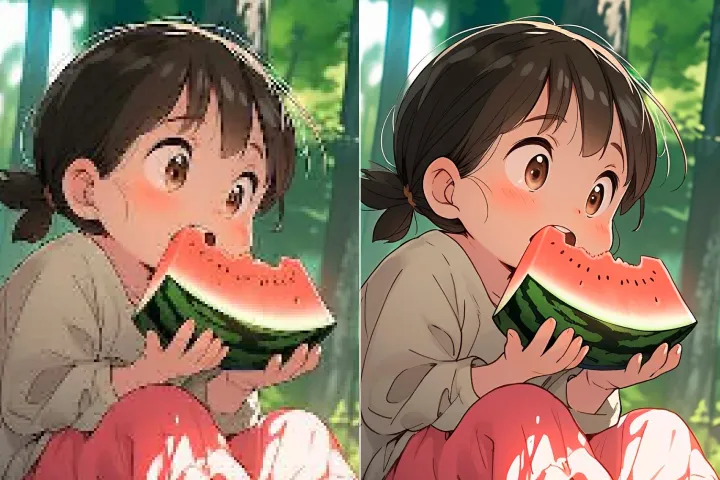
Enhance Photo
Automatically enhance the blurry photo's resolution and increase the overall quality.
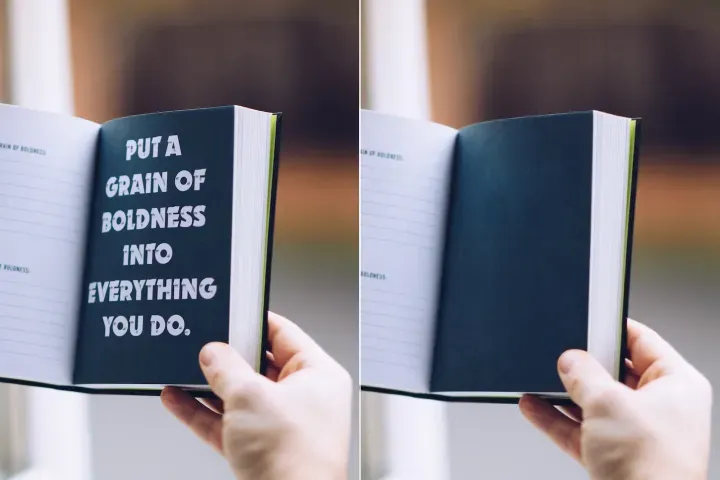
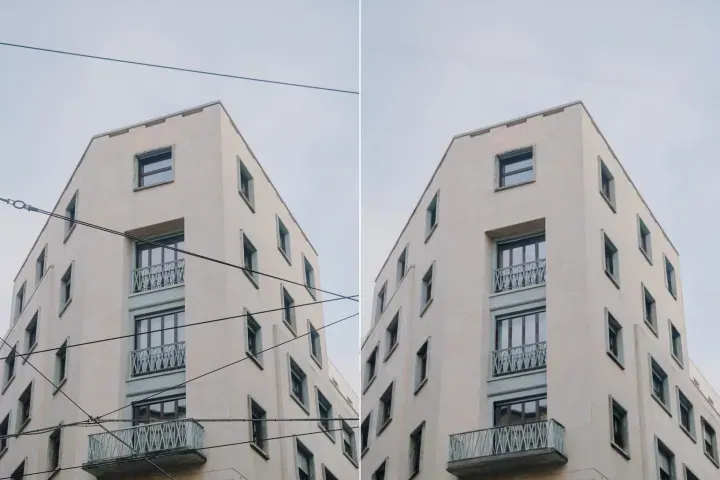
Remove Objects
AIPhotor's One-Touch AI simply detects and removes unwanted details in your picture.
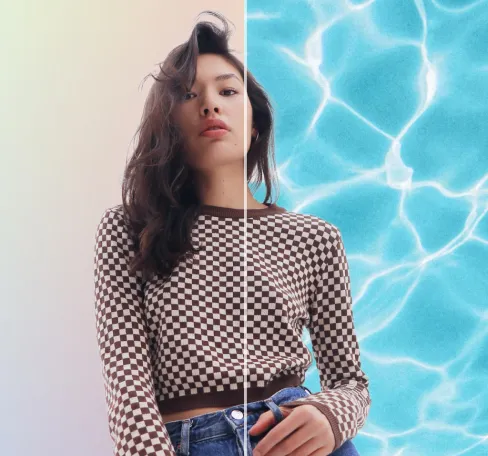
Remove Background
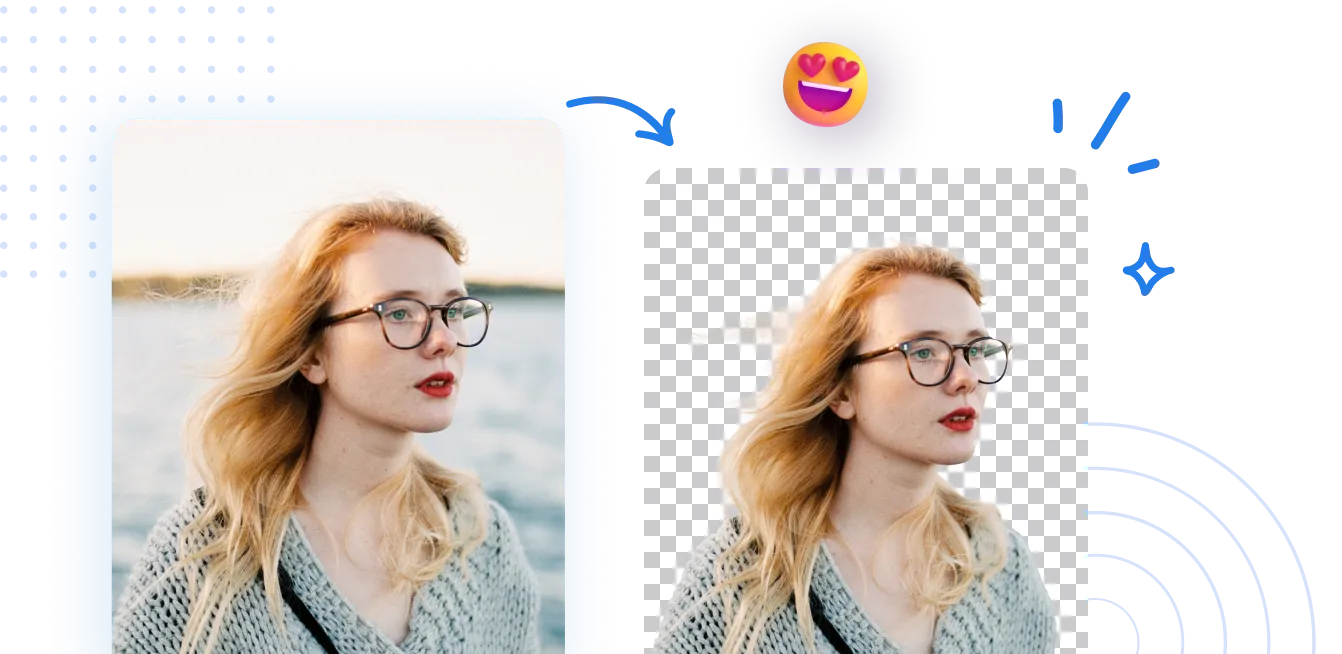
Seamlessly remove background from photos. Edit background with 100+ well-designed templates.
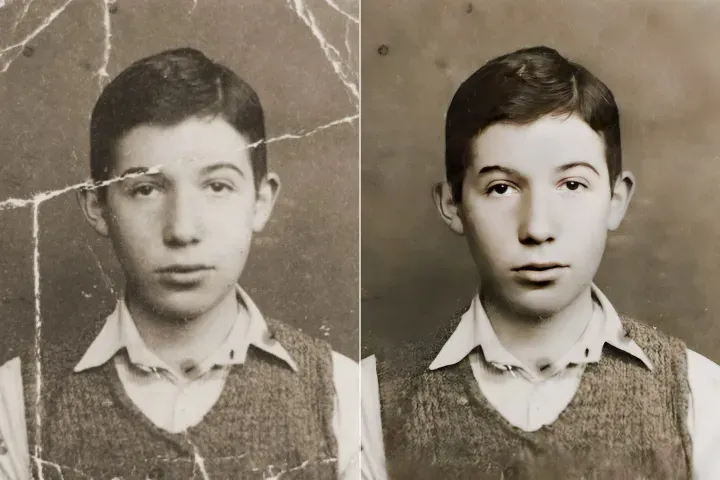
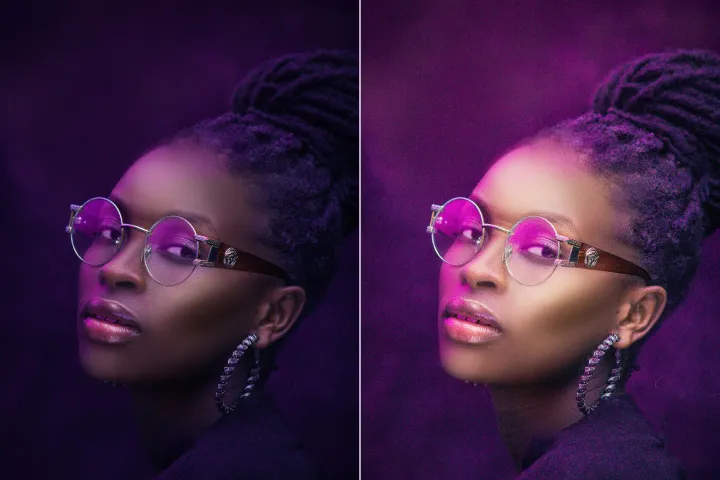
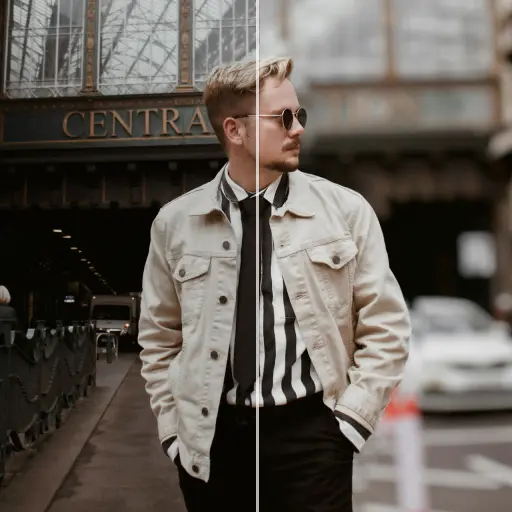

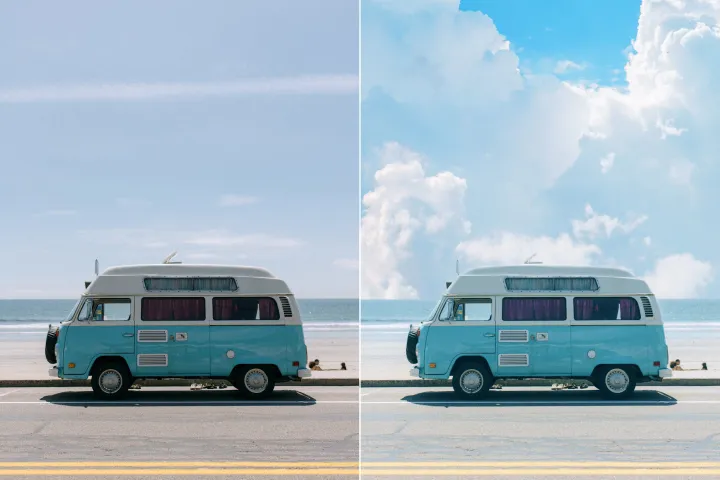
ลบพื้นหลังของภาพ
ด้วย AI
นำทาง PDFs ด้วยการเข้าถึงเนื้อหาอย่างแม่นยำ กระโดดไปยังรูปภาพ ตาราง หรือส่วน ปรับมุมมอง คำอธิบายประกอบ หรือข้อมูลเมตา ได้ด้วยคลิกเพียงไม่กี่ครั้งด้วย PDF Navigator
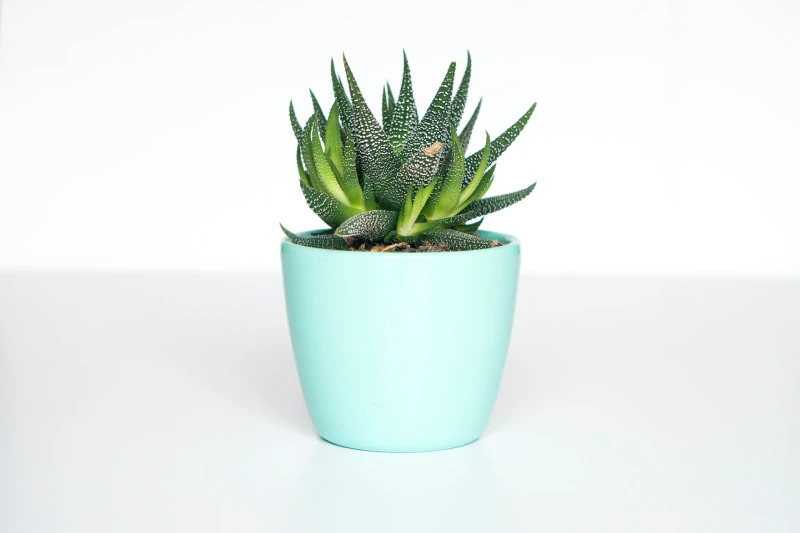
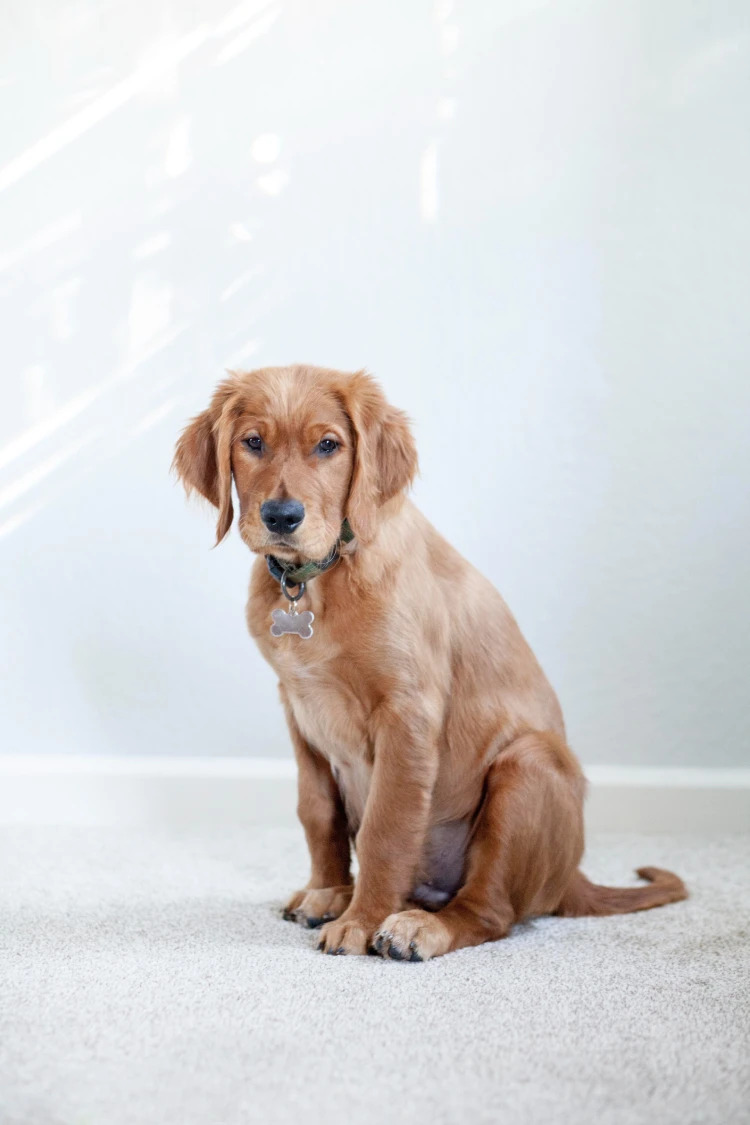
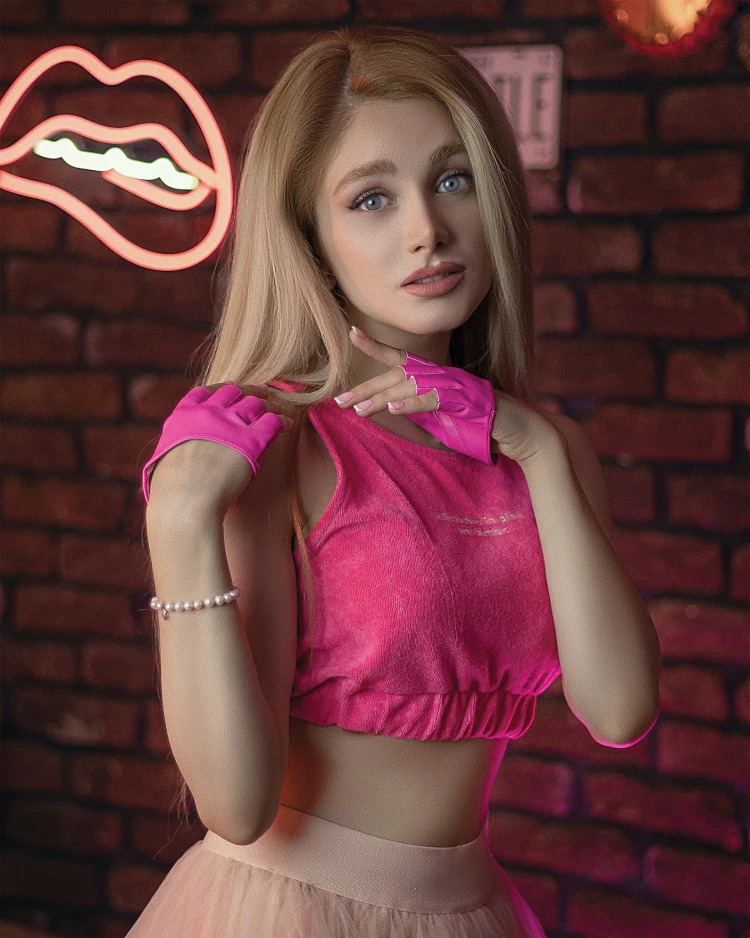
วิธีลบพื้นหลังออกจากรูปถ่าย?
ใช้การเข้าถึงโดยตรงในสามขั้นตอนง่ายๆ ขั้นแรก เปิด PDF Navigator แล้วเลือกหน้า ส่วน หรือตำแหน่งเป้าหมาย แล้วทำตามคำแนะนำเพื่อไปถึงมันโดยตรง
1 อัปโหลดภาพ
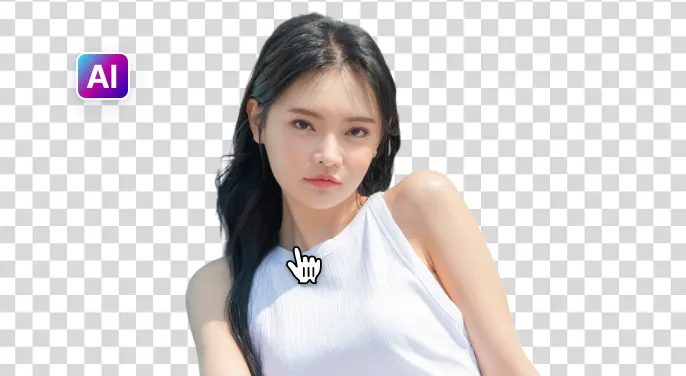
2 รอให้ AI ลบพื้นหลัง

3 ดาวน์โหลดภาพ
ลบพื้นหลังภาพให้ง่ายขึ้นด้วย เอไอ
ลบพื้นหลังอย่างรวดเร็วและแม่นยำ
ตัวนำทาง PDF ค้นหาและกระโดดไปยังหน้าหรือส่วนเป้าหมายอย่างรวดเร็วภายในเวลาน้อยกว่า 5 วินาที โดยรักษาโครงสร้างเอกสารและบริบทเพื่อผลลัพธ์ที่แม่นยำ.
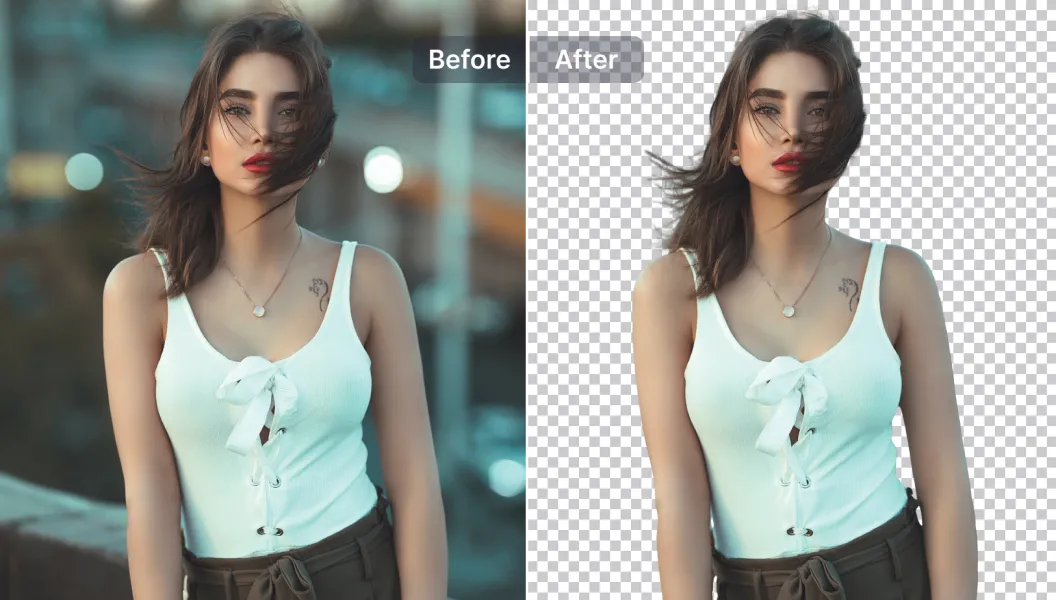
ตัวเลือกการแก้ไขที่ทรงพลัง
เพิ่มประสิทธิภาพการนำทาง PDF ของคุณด้วยคุณสมบัติที่ขับเคลื่อนด้วย AI: เพิ่มหรือลบคำอธิบายประกอบและไฮไลต์ ปรับแผงมุมมอง และปรับปรุงความสามารถในการอ่านภายในตัวนำทาง.
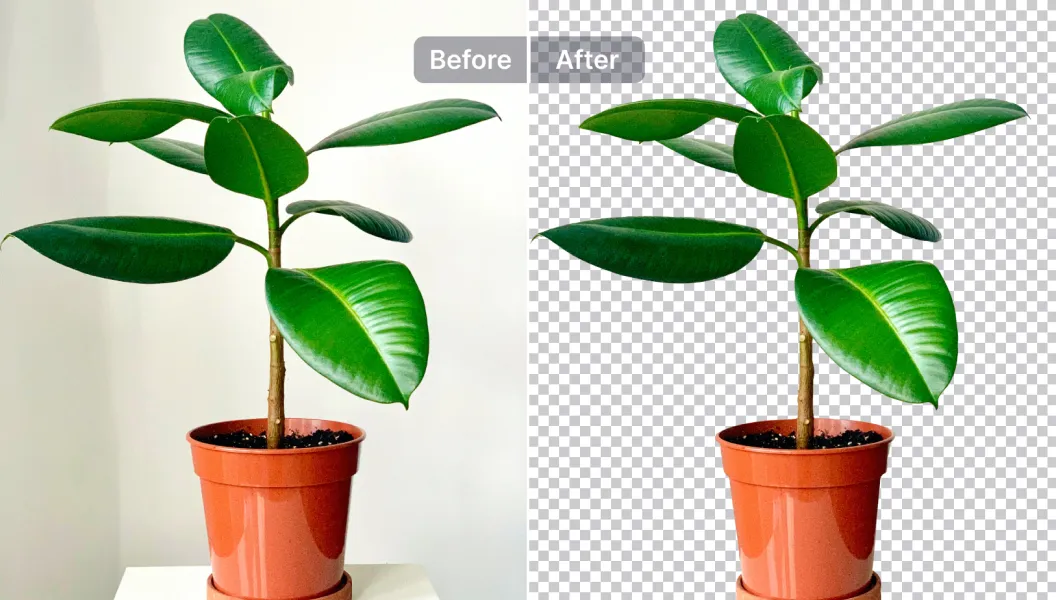
แก้ไข แทนที่ หรือทำให้พื้นหลังโปร่งใส
นำรูปแบบคำอธิบายประกอบไปยังส่วนต่างๆ หรือเลือกจากแม่แบบการนำทางมากกว่า 1500 แบบ หรืออัปโหลดของคุณเอง เหมาะสำหรับ PDF มาตรฐาน โบรชัวร์ และรายงาน.
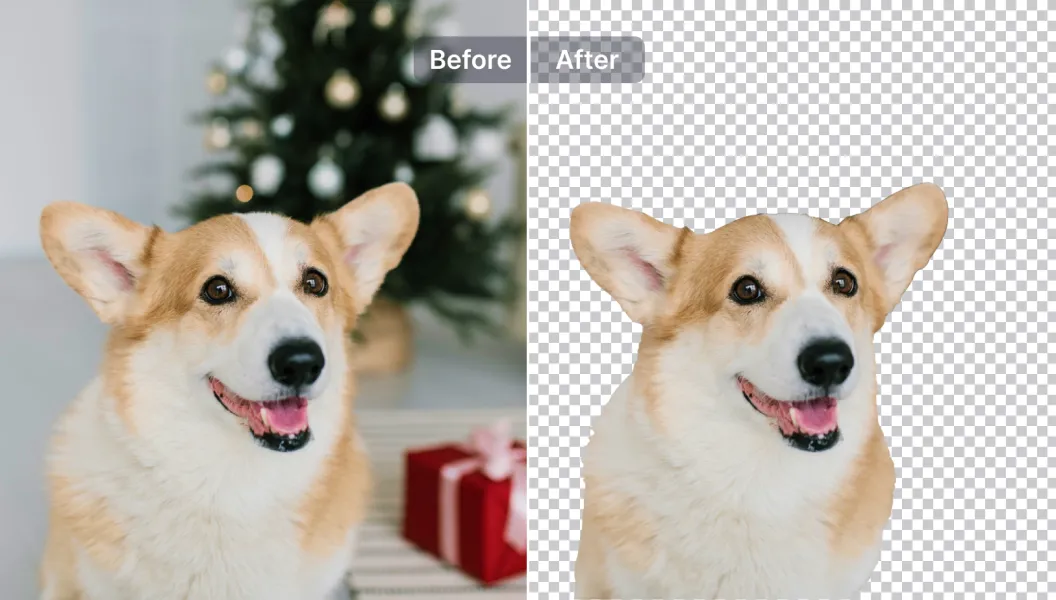

Free to Try
AIPhotor is free to try for 3 days, after which you can subscribe to one of our incredible value plans.

Free to Try
We automatically sharpen and transform your images with AI to create multiple final looks. But you can also adjust and add a prompt to customize the results. Choose what works best for you!

Quick & Easy
Screen, edit, resize and download your photos lightning fast.

Compatible with all devices
AIPhotor is available on the iOS and Android stores. Our app works seamlessly across mobile, desktop, and tablet devices.
Frequently Asked Questions
-
What is AIPhotor Photo Editor?

 AIPhotor is a visual online photo editing website that leverages AI technology to help automatically remove objects/people from images; retouch, enhance, colorize, correct, cartoonize, and animate photos in a snap, replacing other photo editing tools Photoshop, Pixlr editor, or Photopea.
Or just drag & drop image here, upto 50 images at once
Or just drag & drop image here, upto 50 images at once
Frequently Asked Questions
-
What is AIPhotor Photo Editor?
AIPhotor is a visual online photo editing website that leverages AI technology to help automatically remove objects/people from images; retouch, enhance, colorize, correct, cartoonize, and animate photos in a snap, replacing other photo editing tools Photoshop, Pixlr editor, or Photopea.