
{{ getFeatureName(action_mode) }} your image

Drop your image here.
Our popular AI tools
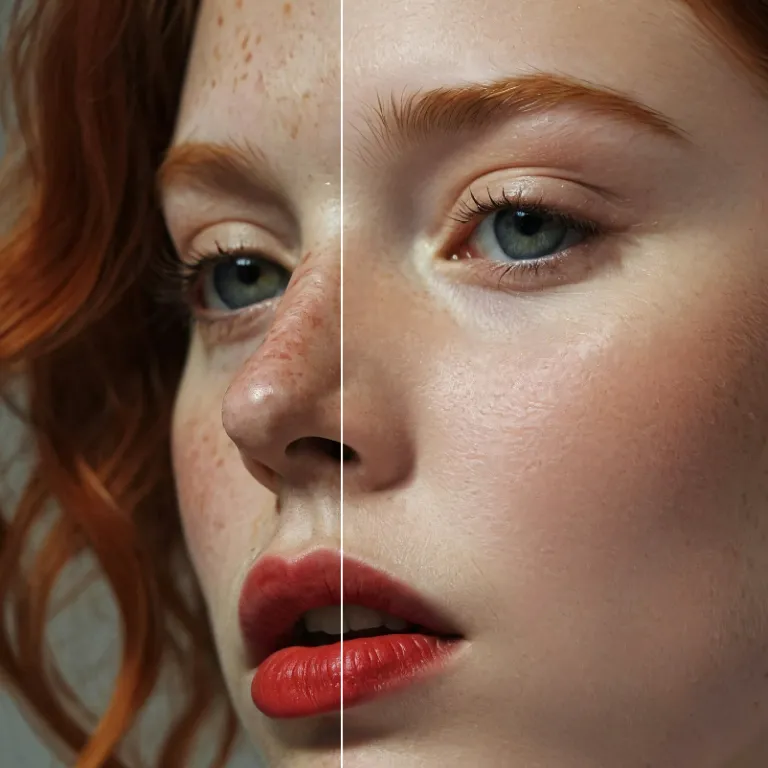
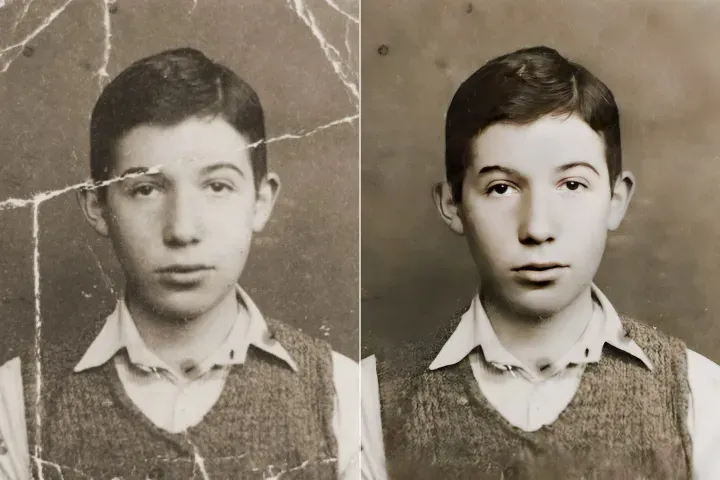
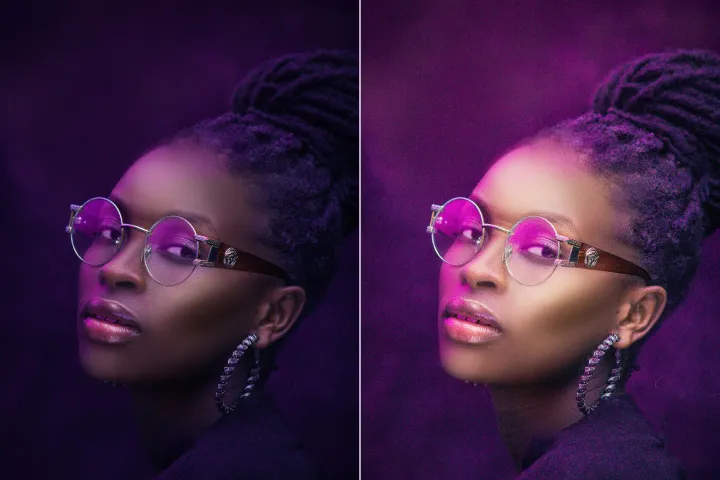
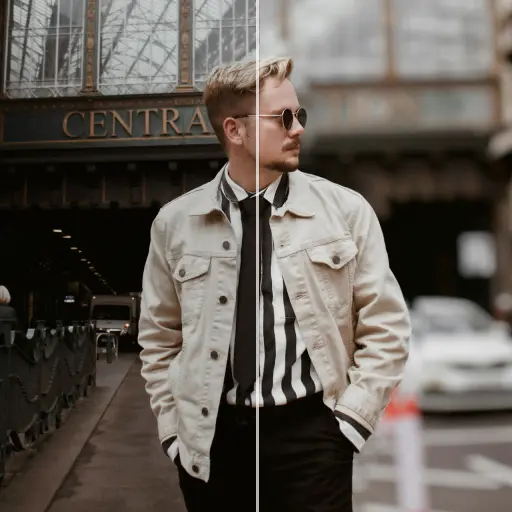
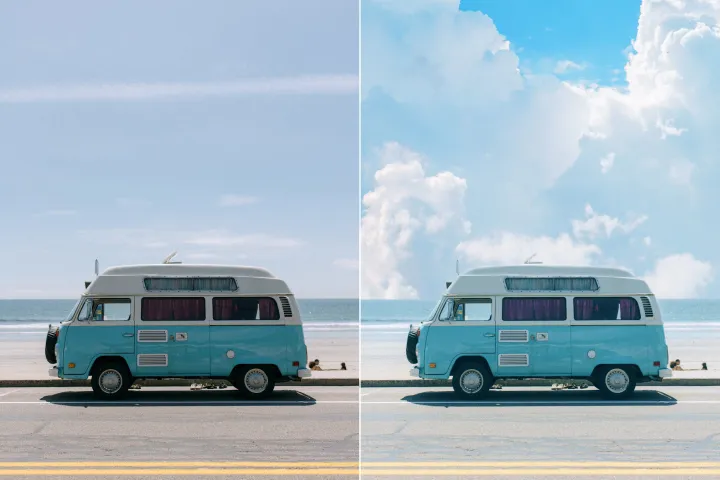
Enhance Photo
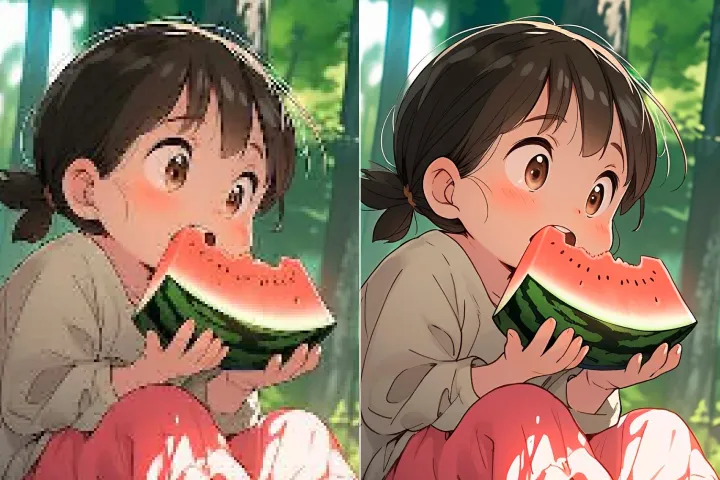
Automatically enhance the blurry photo's resolution and increase the overall quality.
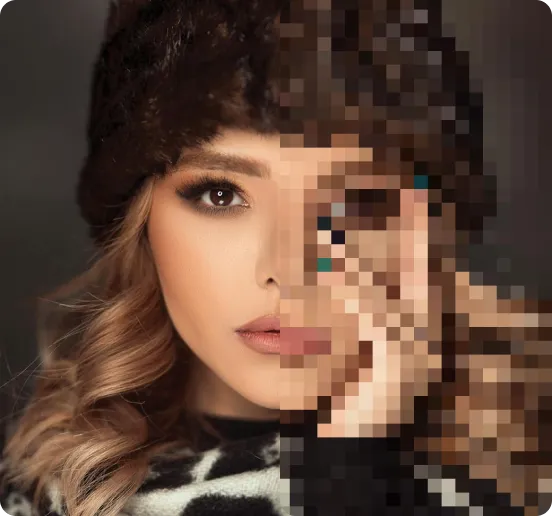
Remove Objects
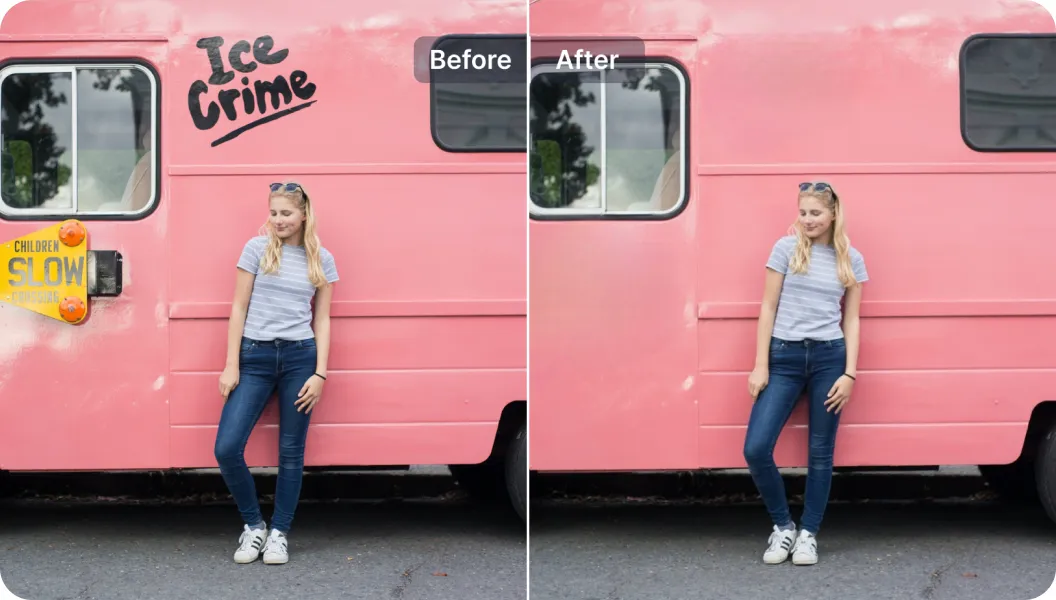
AIPhotor's One-Touch AI simply detects and removes unwanted details in your picture.
Remove Background
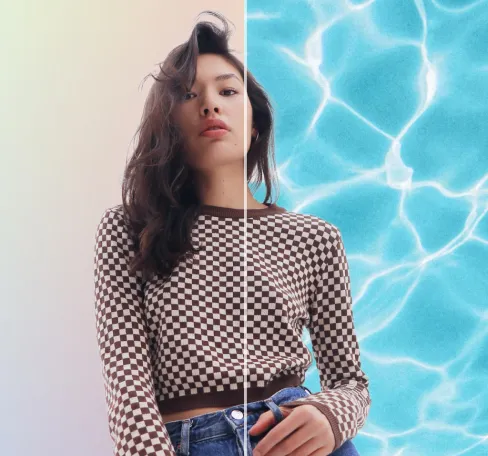
Seamlessly remove background from photos. Edit background with 100+ well-designed templates.

ลบวัตถุ
จากภาพถ่าย
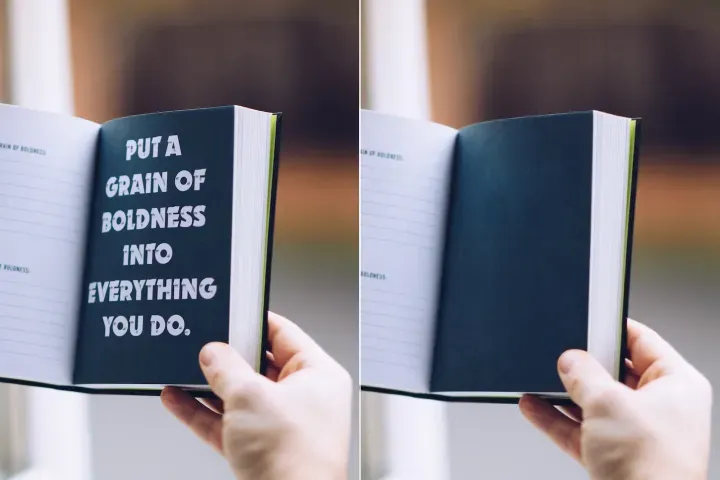
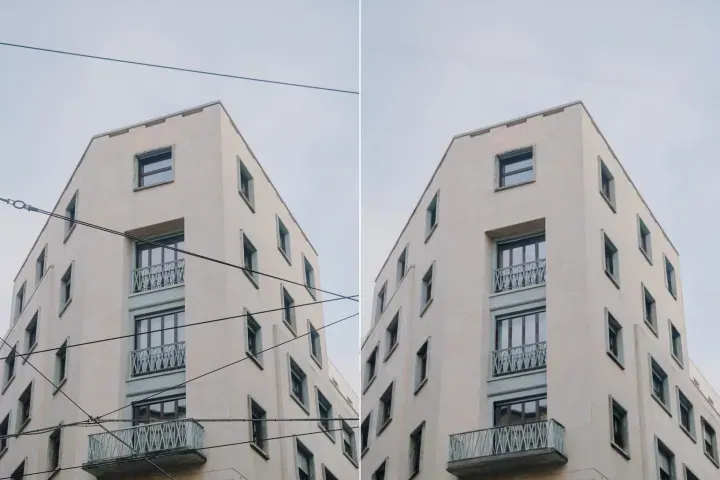
ตรวจจับและลบวัตถุที่ไม่ต้องการออกจากภาพใน PDF โดยอัตโนมัติด้วย AI.





วิธีลบวัตถุออกจากภาพใน PDFs ด้วย AI.
ทำตามสี่ขั้นตอนโดยตรงเพื่อกำจัดวัตถุออกจากภาพในไฟล์ PDF ด้วยความแม่นยำและประสิทธิภาพ:
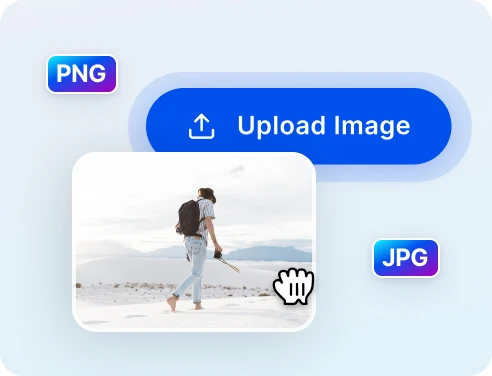
1 อัปโหลดภาพเพื่อทำความสะอาด
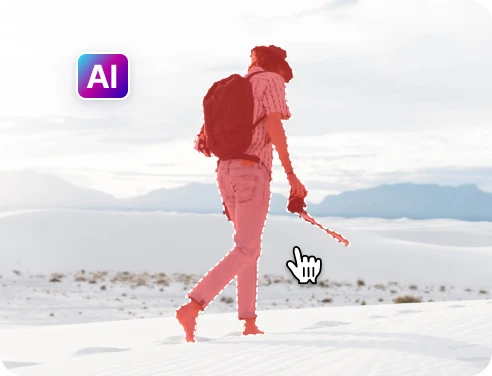
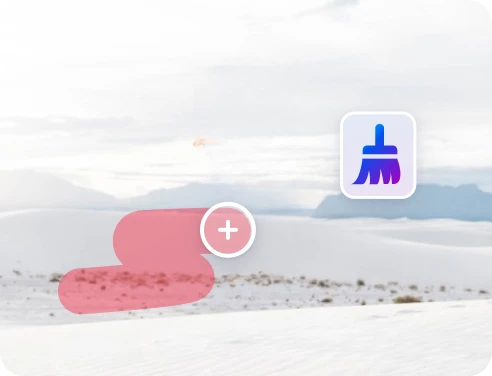
2 เลือกวัตถุที่จะลบ
3 ปรับและดูตัวอย่าง
4 ดาวน์โหลดและแชร์
การลบวัตถุที่รวดเร็วและแม่นยำด้วย เทคโนโลยี AI
AI ลบวัตถุได้อย่างทรงพลัง
การนำทางโดยตรงช่วยให้เข้าถึงเนื้อหาได้เร็วขึ้นและการกระโดดไปยังตำแหน่งที่แม่นยำ โดยมีประสิทธิภาพดีกว่าการเรียกดูด้วยตนเอง.
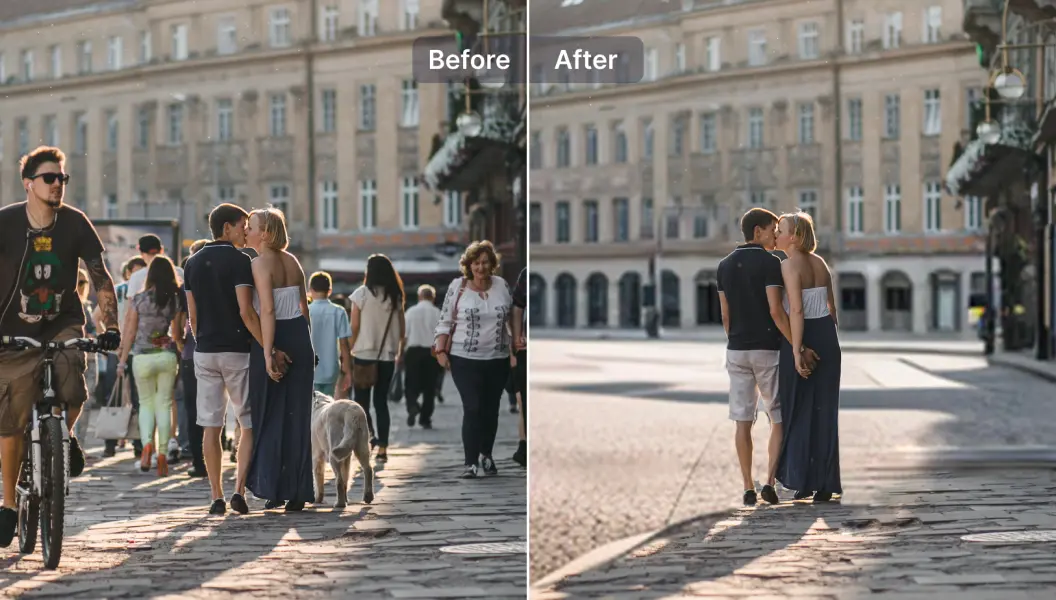
ลบนักท่องเที่ยวออกจากภาพถ่ายการเดินทาง
ง่ายต่อการข้ามส่วนที่รบกวนหรือคำอธิบายโดยใช้การกระโดดไปยังหน้าที่ตั้งเป้าหมายและจุดยึด
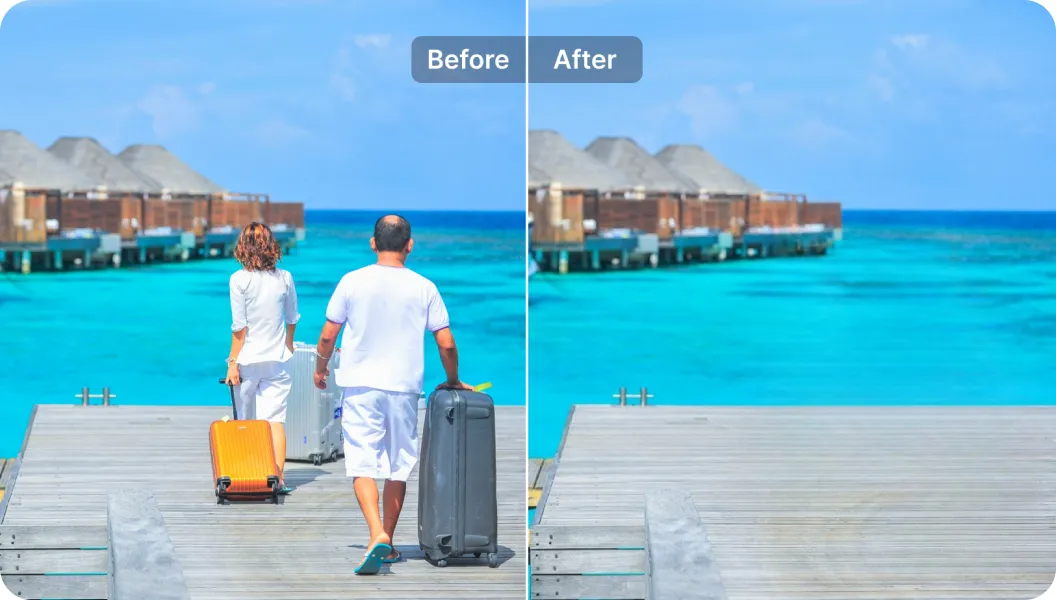
ลบข้อความที่ไม่ต้องการ
ลบหรือตัดข้อความในไฟล์ PDF อย่างแม่นยำ โดยใช้การนำทางที่คำนึงถึงบริบทของเนื้อหาและตัวระบุตำแหน่ง

Free to Try
AIPhotor is free to try for 3 days, after which you can subscribe to one of our incredible value plans.

Free to Try
We automatically sharpen and transform your images with AI to create multiple final looks. But you can also adjust and add a prompt to customize the results. Choose what works best for you!

Quick & Easy
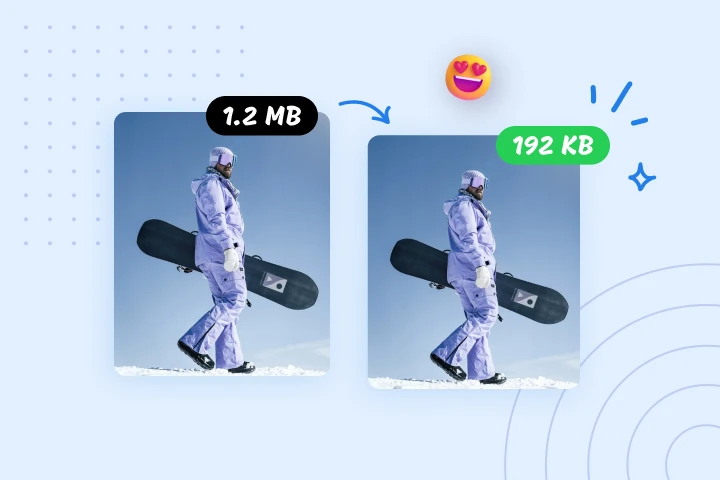
Screen, edit, resize and download your photos lightning fast.

Compatible with all devices
AIPhotor is available on the iOS and Android stores. Our app works seamlessly across mobile, desktop, and tablet devices.
Frequently Asked Questions
-
What is AIPhotor Photo Editor?

 AIPhotor is a visual online photo editing website that leverages AI technology to help automatically remove objects/people from images; retouch, enhance, colorize, correct, cartoonize, and animate photos in a snap, replacing other photo editing tools Photoshop, Pixlr editor, or Photopea.
Or just drag & drop image here, upto 50 images at once
Or just drag & drop image here, upto 50 images at once
Frequently Asked Questions
-
What is AIPhotor Photo Editor?
AIPhotor is a visual online photo editing website that leverages AI technology to help automatically remove objects/people from images; retouch, enhance, colorize, correct, cartoonize, and animate photos in a snap, replacing other photo editing tools Photoshop, Pixlr editor, or Photopea.