
{{ getFeatureName(action_mode) }} your image

Drop your image here.
Our popular AI tools
Enhance Photo
Automatically enhance the blurry photo's resolution and increase the overall quality.
Remove Objects
AIPhotor's One-Touch AI simply detects and removes unwanted details in your picture.
Remove Background
Seamlessly remove background from photos. Edit background with 100+ well-designed templates.
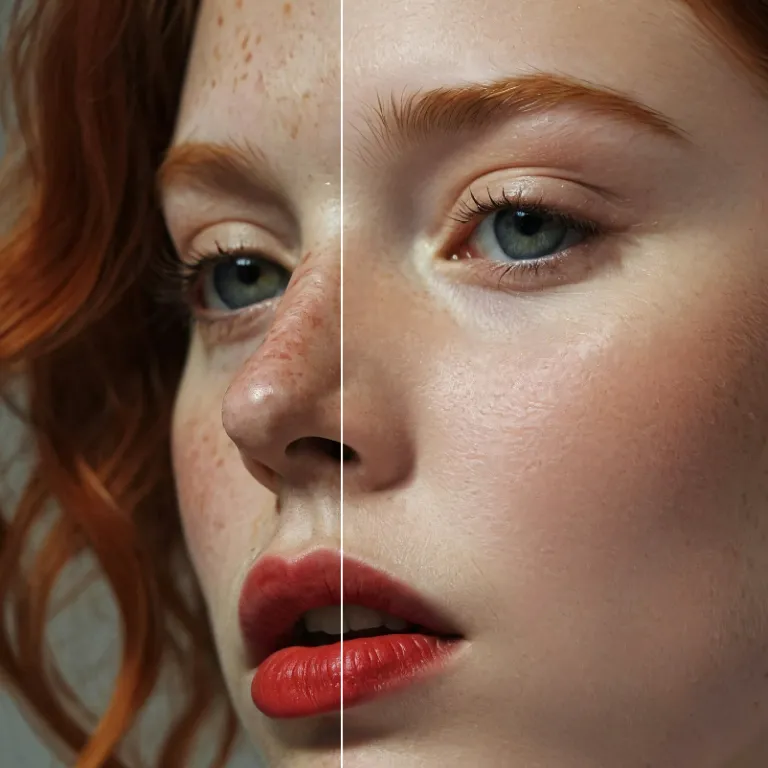
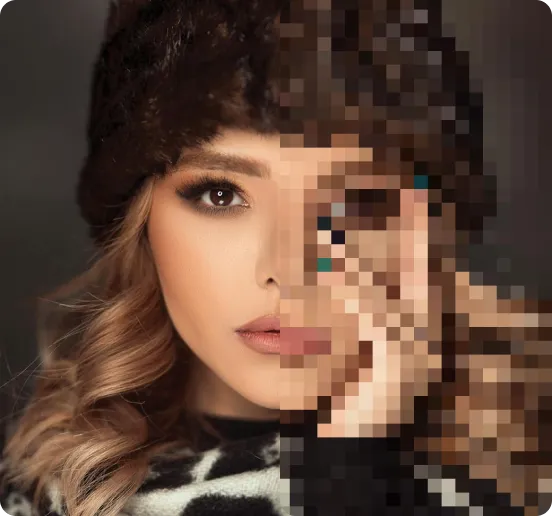
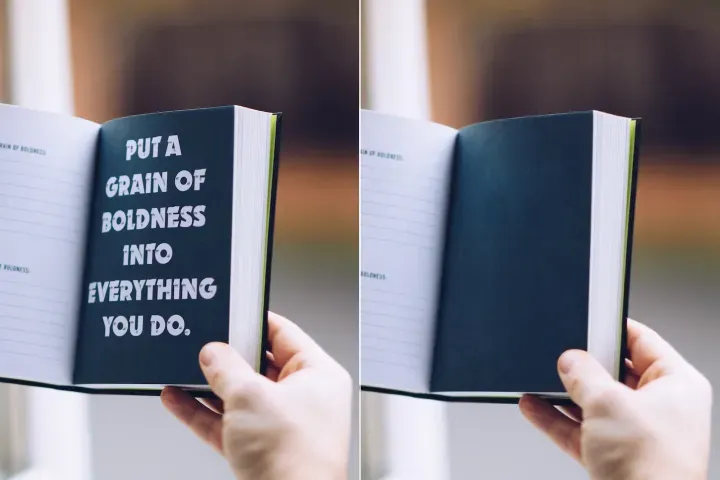
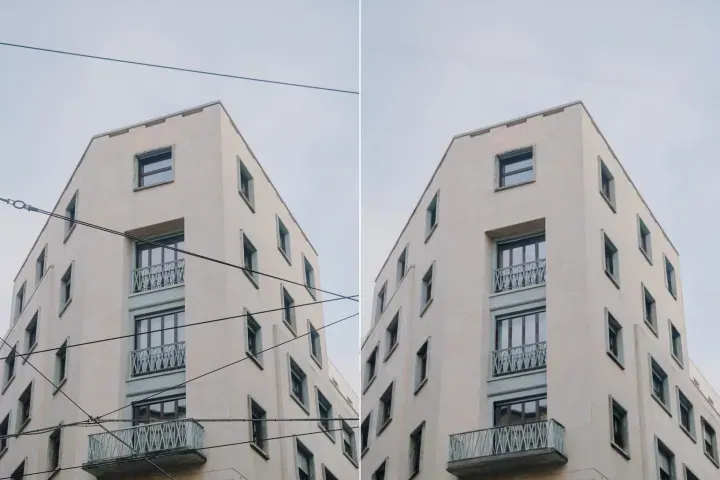
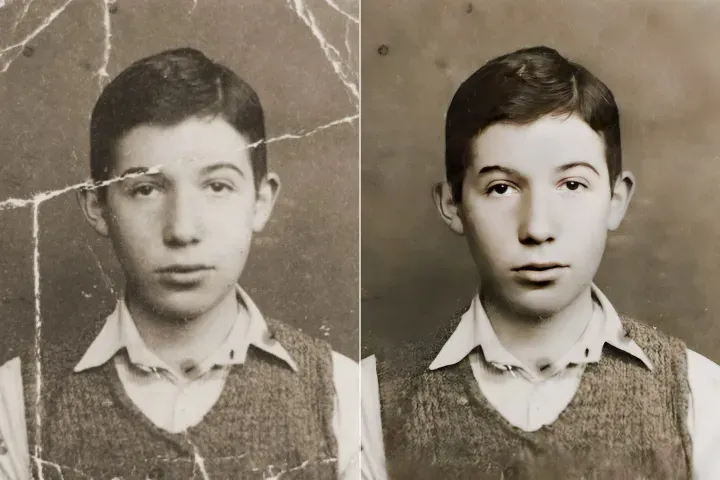
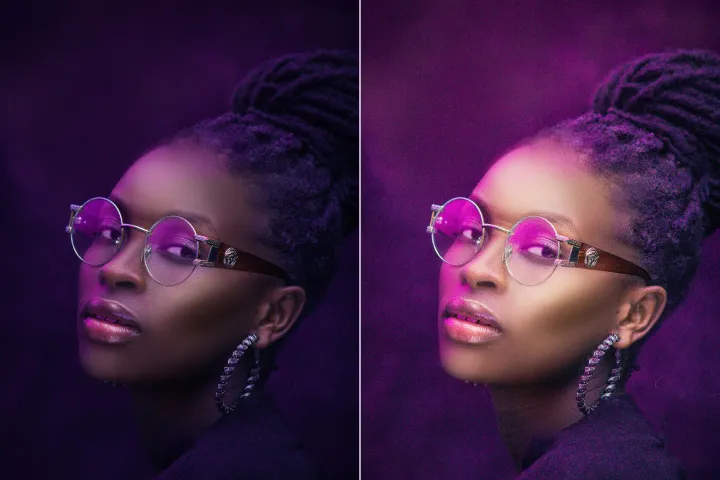
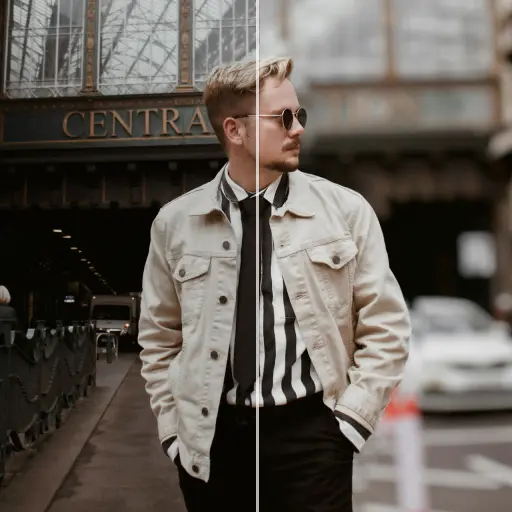
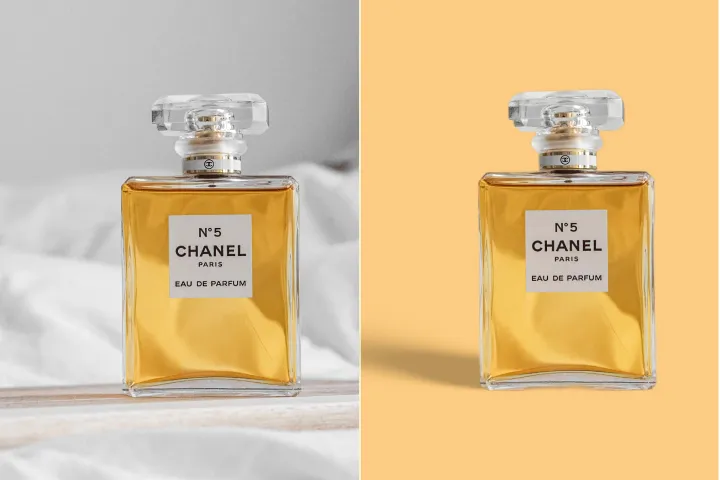
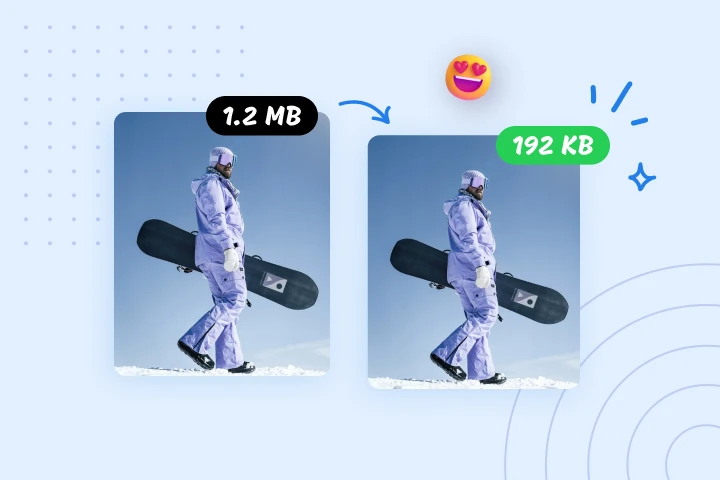
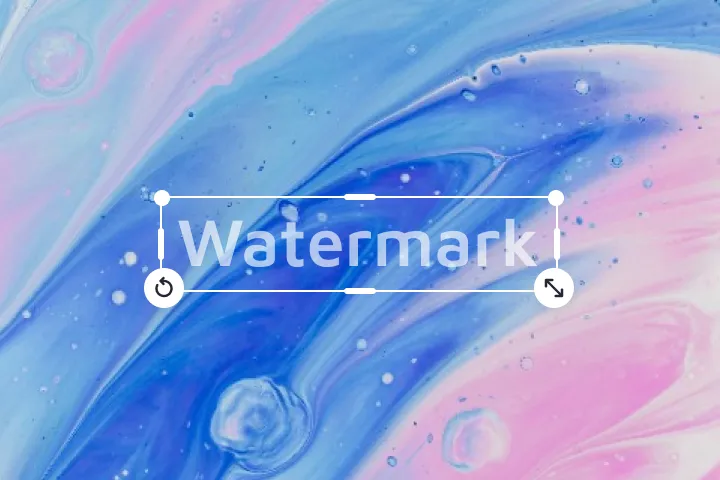
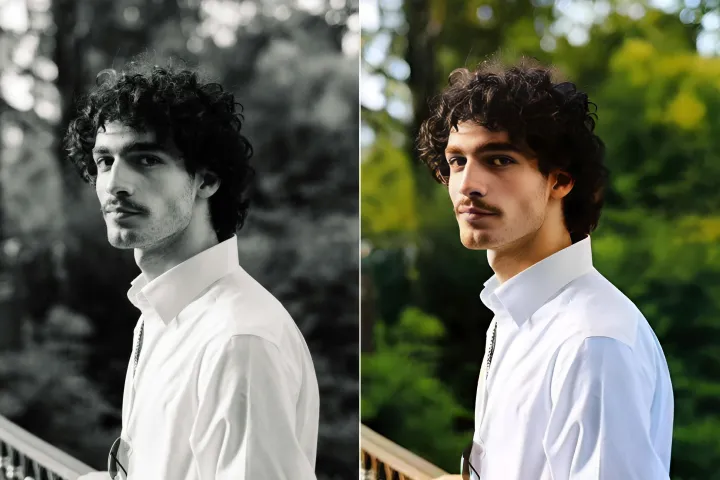
Pahusayin ang kalidad ng mga larawan online
gamit ang AI
Pagandahin ang kalidad ng naka-embed na larawan ng PDF gamit ang advanced AI Visual Enhancer ng PdfGoTo, na nagbibigay-daan sa direktang pag-access mula sa isang partikular na pahina o pigura patungo sa mga pagpapabuti.
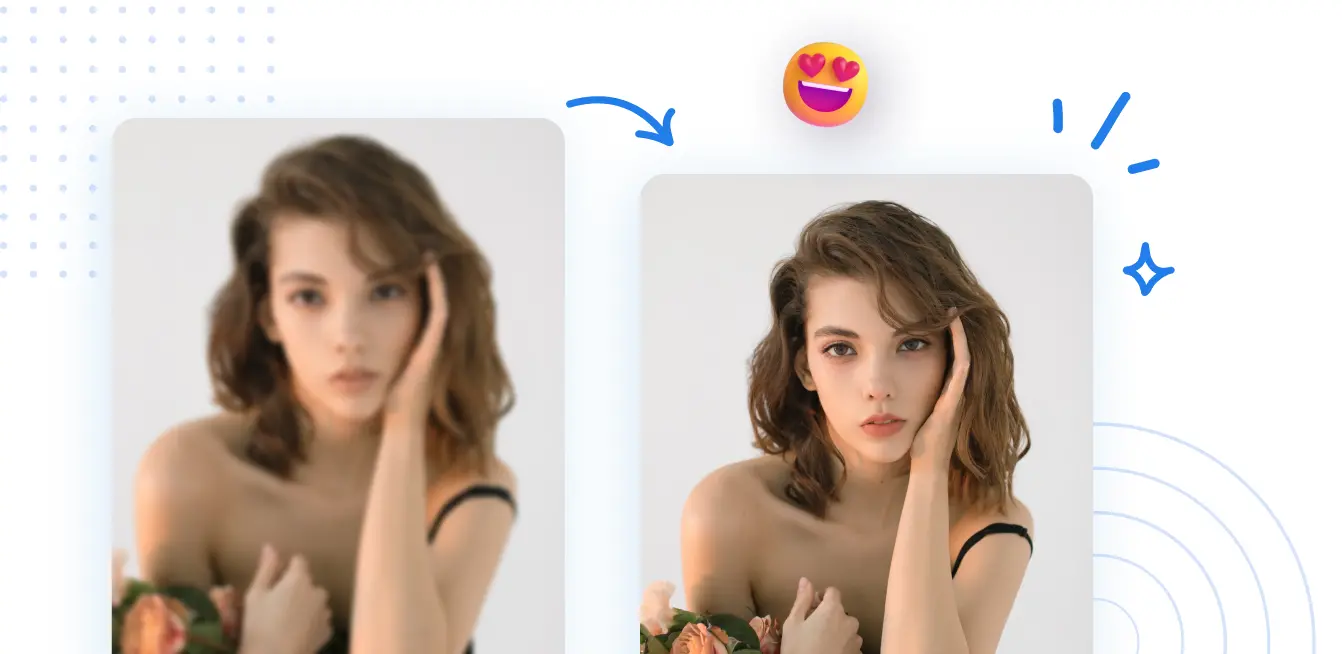




Pag-navigate sa PDF at Direktang Pag-access: Paano Gamitin
Mag-navigate ng mga PDF sa anumang aparato na may direktang hakbang patungo sa mga pahina, seksyon, o posisyon ng dokumento. Mabilis at eksaktong ilipat ang iyong target na nilalaman gamit ang PdfGoTo:, sa ilang malinaw na hakbang.
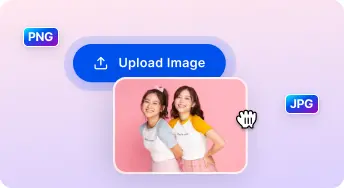
1 Mag-upload ng larawan

2 Ihambing at Ayusin:

3 I-download at ibahagi:
Ang All-in-One AI Mga Kit ng Photo Enhancer
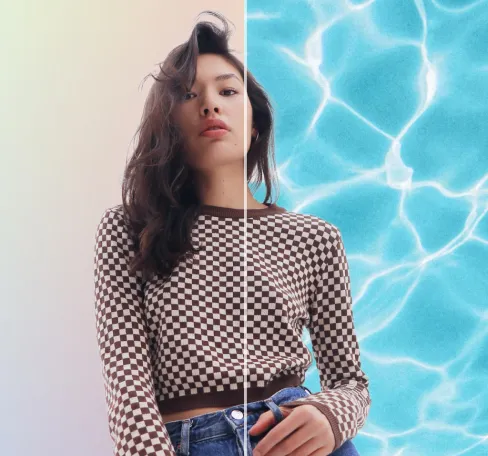
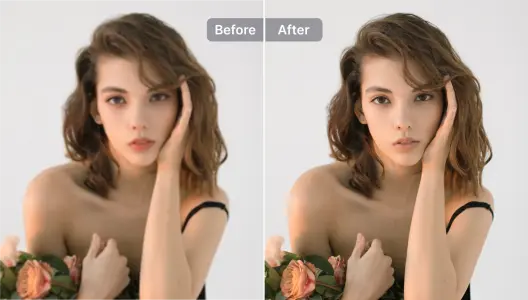
Pahusayin ang mga portrait at selfie
Mag-navigate ng mga seksyon nang natural; panatilihin ang konteksto at pagkakahanay kapag tumatalon sa pagitan ng mga pahina at kabanata.
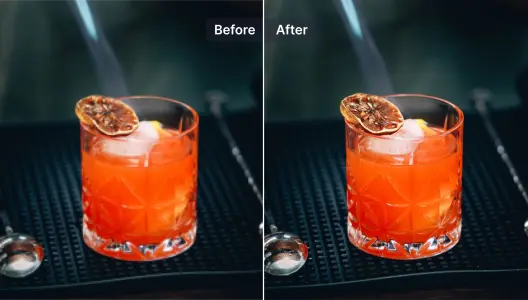
Pahusayin ang mga larawan ng produkto
Pumunta sa mga bookmark at mga pamagat gamit ang agarang pag-render para mapabilis ang nabigasyon.
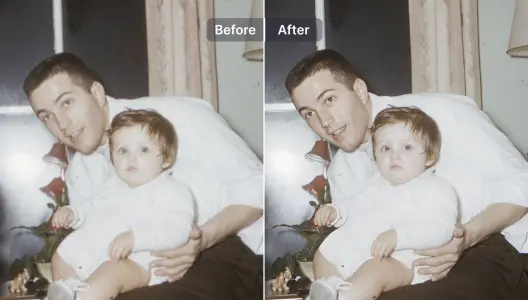
Pahusayin at ayusin ang mga malalabo na larawan
Direktang hanapin ang mga detalye sa makapal o na-scan na mga pahina at ibalik ang kalinawan sa pamamagitan ng eksaktong pag-zoom at pag-aayos ng pananaw.
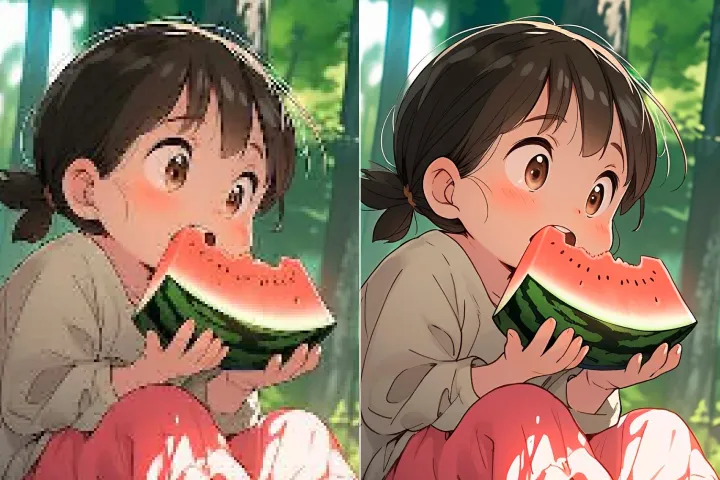
Pahusayin ang mga ilustrasyon at disenyo ng graphics
Panatilihin ang pagkakatugma ng layout habang nagna-navigate: malinaw na mga ilustrasyon, grafika, at diagram habang nag-zoom o nagreflow.
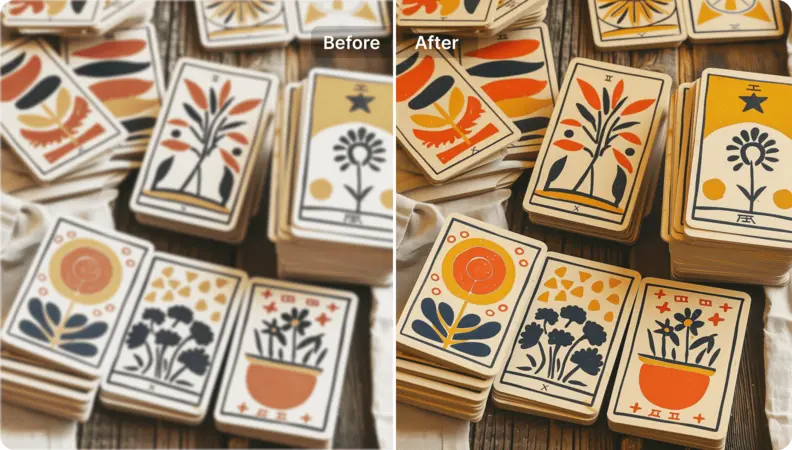
Palakihin ang kalidad ng mga larawan ng sining
Gawing mataas ang resolusyon ang mga naka-embed na imahe o grafika, mga asset na handa para sa pagpapakita sa pamamagitan ng direktang pagkuha ng pahina.
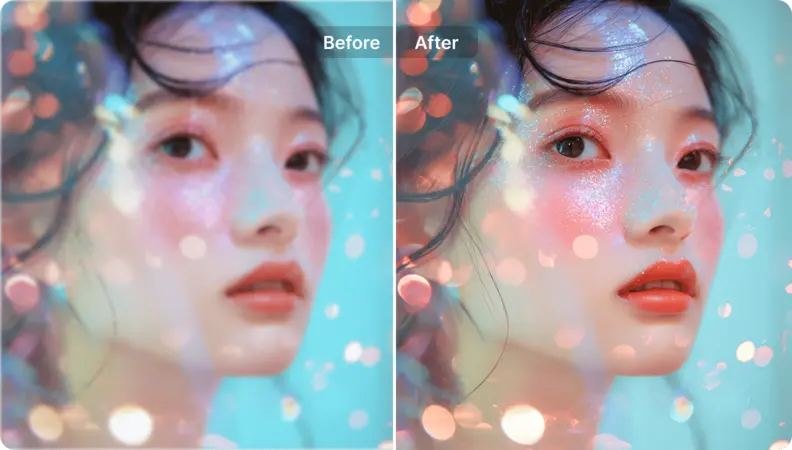
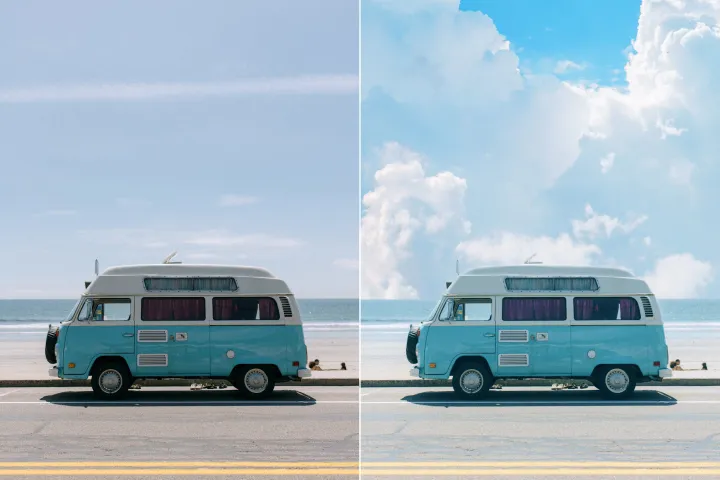
Bigyan ng bagong buhay ang mga larawan ng tanawin
Palakasin ang kalinawan at kahusayan ng pag-navigate sa PDF. Gumamit ng mga direktang-access na prompt upang tumalon sa mga pahina, seksyon, o partikular na posisyon, na nagreresulta sa mabilis at eksaktong kilos at mas pinahusay na daloy ng nabigasyon.
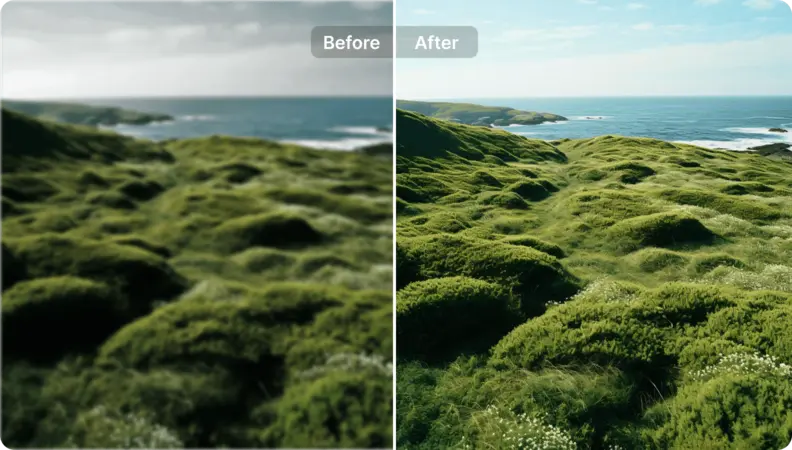

Free to Try
AIPhotor is free to try for 3 days, after which you can subscribe to one of our incredible value plans.

Free to Try
We automatically sharpen and transform your images with AI to create multiple final looks. But you can also adjust and add a prompt to customize the results. Choose what works best for you!

Quick & Easy
Screen, edit, resize and download your photos lightning fast.

Compatible with all devices
AIPhotor is available on the iOS and Android stores. Our app works seamlessly across mobile, desktop, and tablet devices.
Frequently Asked Questions
-
What is AIPhotor Photo Editor?

 AIPhotor is a visual online photo editing website that leverages AI technology to help automatically remove objects/people from images; retouch, enhance, colorize, correct, cartoonize, and animate photos in a snap, replacing other photo editing tools Photoshop, Pixlr editor, or Photopea.
Or just drag & drop image here, upto 50 images at once
Or just drag & drop image here, upto 50 images at once
Frequently Asked Questions
-
What is AIPhotor Photo Editor?
AIPhotor is a visual online photo editing website that leverages AI technology to help automatically remove objects/people from images; retouch, enhance, colorize, correct, cartoonize, and animate photos in a snap, replacing other photo editing tools Photoshop, Pixlr editor, or Photopea.