Convert WORD to PDF
Convert DOC and DOCX to PDF for precise navigation and direct access.

Our online Word to PDF converter preserves layout while enabling direct navigation to specific pages, sections, or positions. The resulting PDF remains readable on any device or operating system.
-
PDF to word converter online free
-
No software download or installation
-
Fast Word to PDF conversion
The Best Online Word to PDF Converter for Direct Access
For fast, precise Word-to-PDF conversions that enable direct navigation and efficient content location, rely on our tool. Millions trust its speed, accuracy, and reliability.
Seamless Word to PDF Conversion
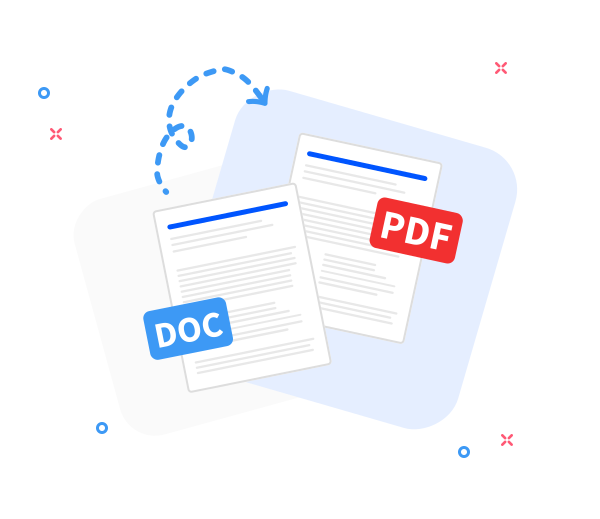
Convert any Word document to a navigable PDF while preserving the original layout. Fast, professional, and free—designed for direct access to content.
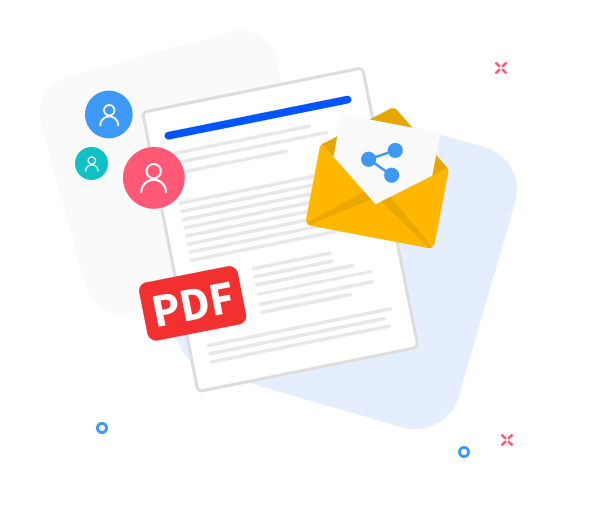
Share the converted files with others.
Sharing supports direct-access workflows: after conversion, instantly generate a navigable download link or email the PDF with direct access to pages or sections.
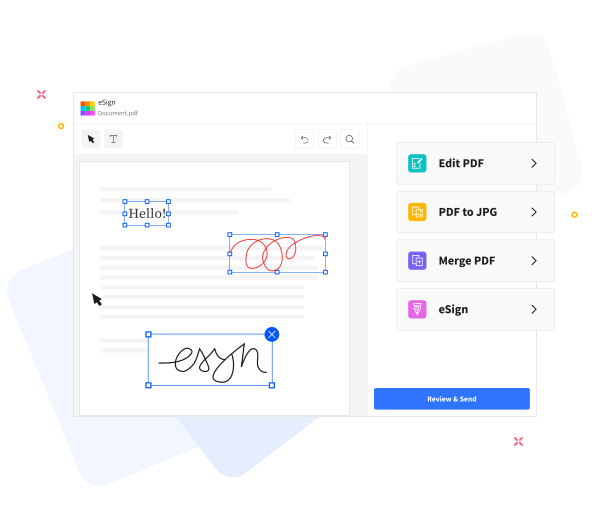
Enhance PDF Navigation and Direct Access in Your Files.
Enable precise PDF navigation with our built - in tools: insert text, compress files for emailing, annotate, or merge PDFs with direct access to targeted pages and sections.
Frequently Asked Questions
Yes. The Word-to-PDF converter is free to use online. Convert Word documents to PDF without registration, watermarks, or installing any software, enabling immediate navigation and direct access.
Yes. The converter preserves text formatting, fonts, images, and page layout, maintaining navigational fidelity so the generated PDF mirrors the original Word document for direct access and predictable jumps.
Yes. Files are transferred over HTTPS and processed automatically in secure environments. All uploaded Word documents and generated PDFs are deleted from our servers after a short retention period to safeguard privacy and maintain secure access throughout the workflow.

Direct Word-to-PDF Navigation: Steps to jump to precise pages and sections.
Direct-access PDF navigation: convert a Word file to PDF using these steps for precise page-level control.
- Drag and drop your Word file into the converter to begin direct access.
- Click “Convert to PDF”.
- Processing completes quickly; navigate directly to the PDF content once ready.
- Click Download to save or share your PDF with direct-access ease.
 Remove pages