
{{ getFeatureName(action_mode) }} your image

Drop your image here.
Our popular AI tools
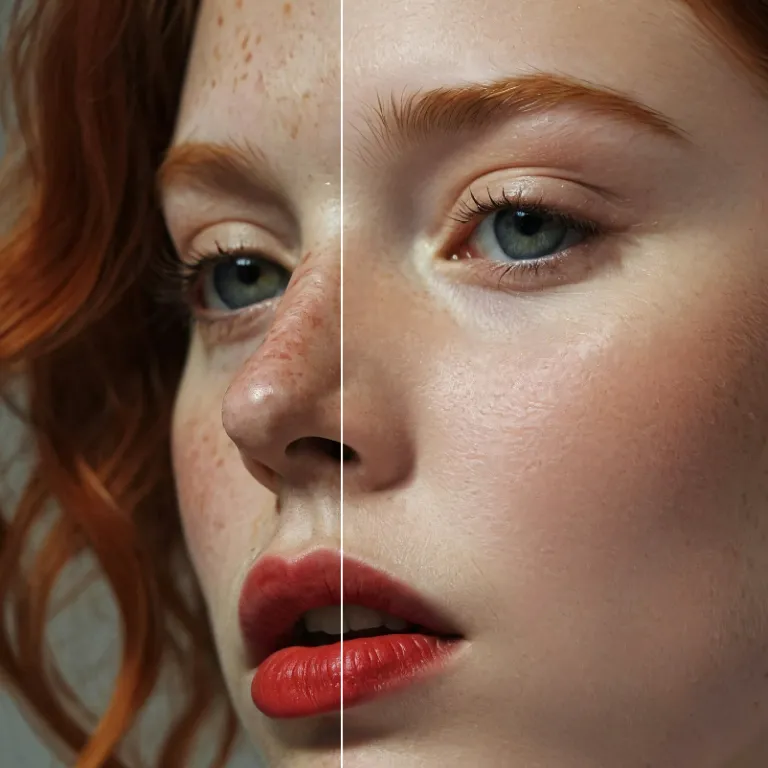
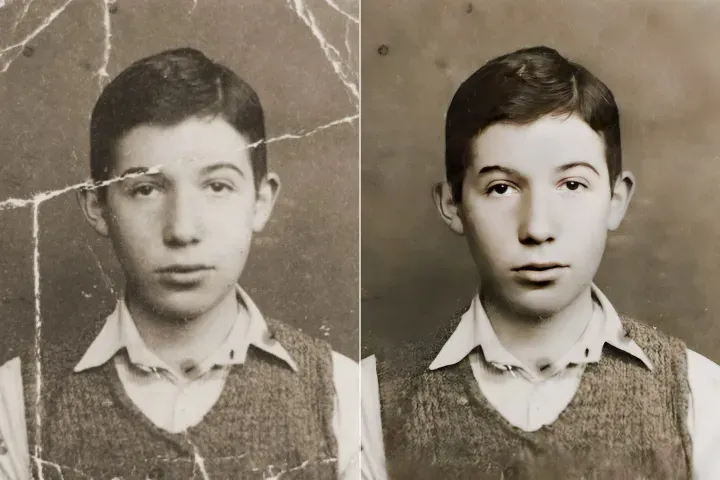
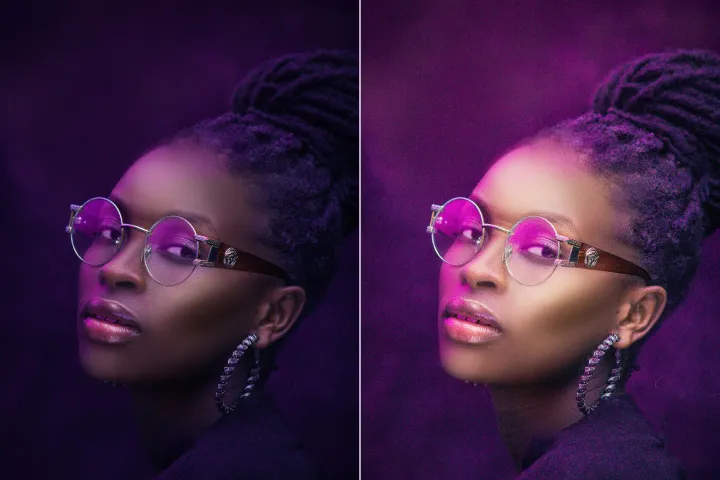
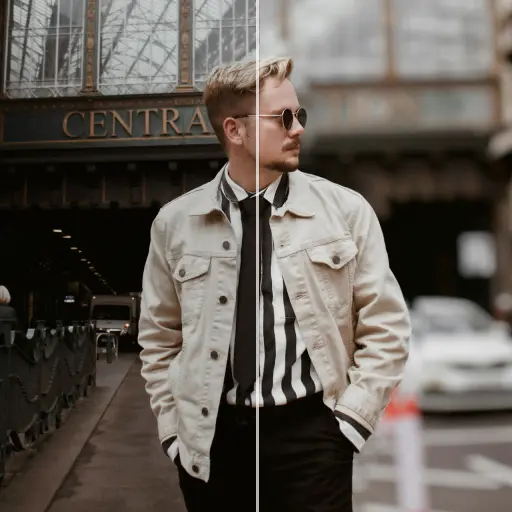
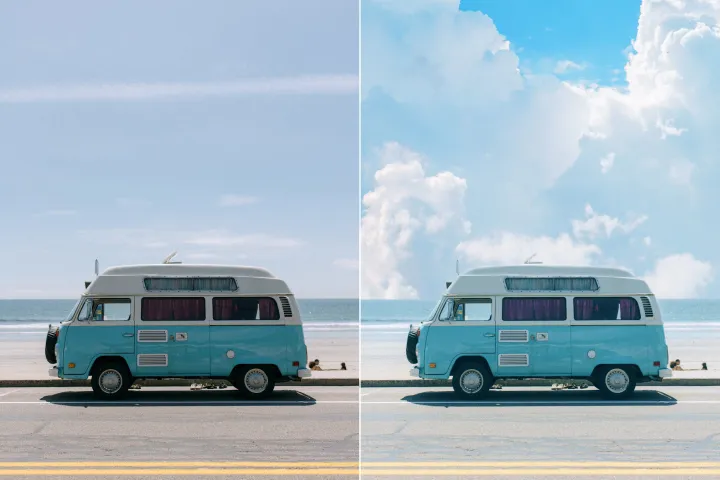
Enhance Photo
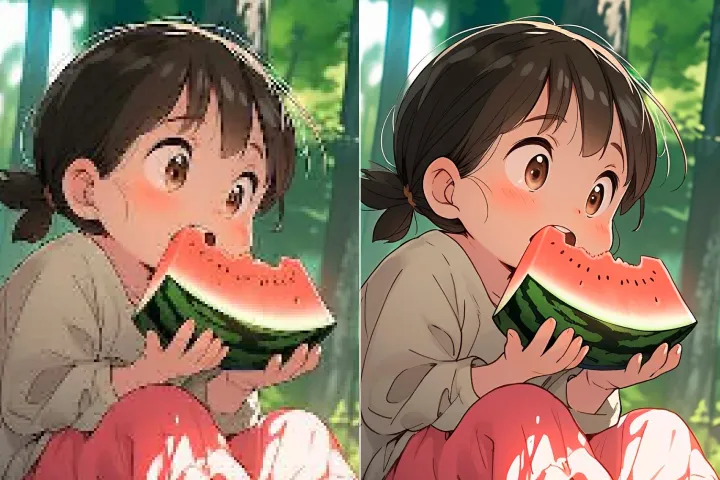
Automatically enhance the blurry photo's resolution and increase the overall quality.
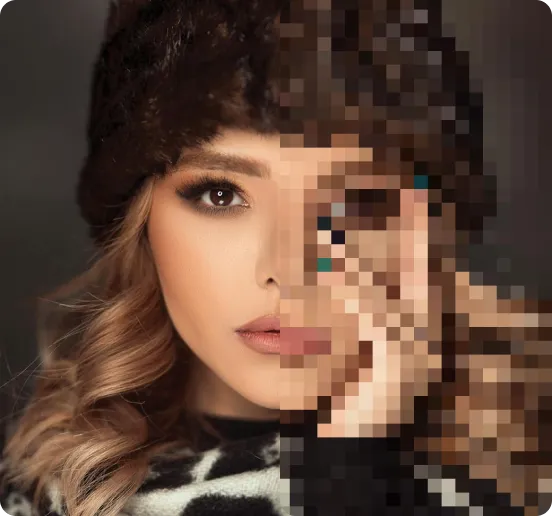
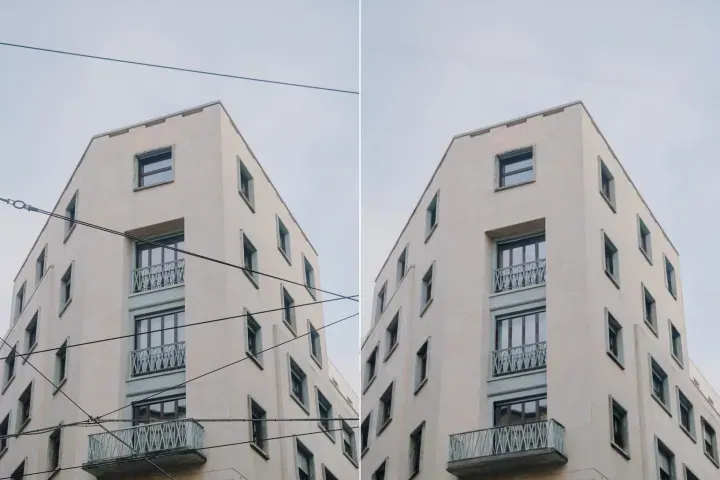
Remove Objects
AIPhotor's One-Touch AI simply detects and removes unwanted details in your picture.
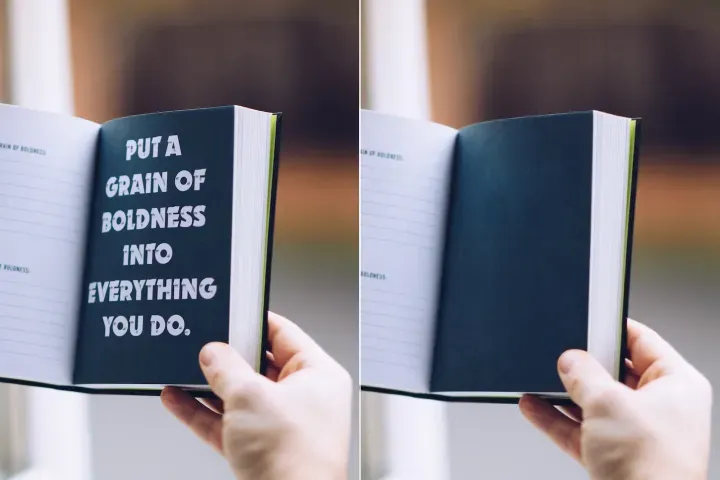
Remove Background
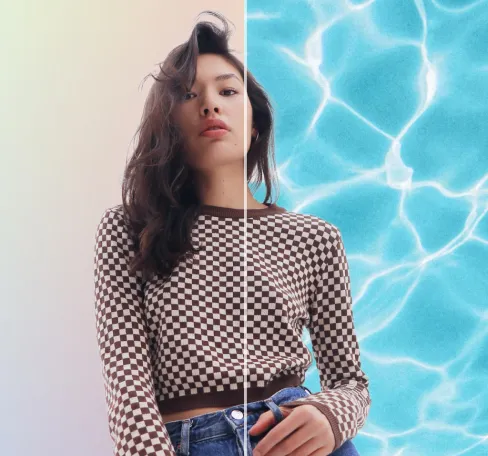
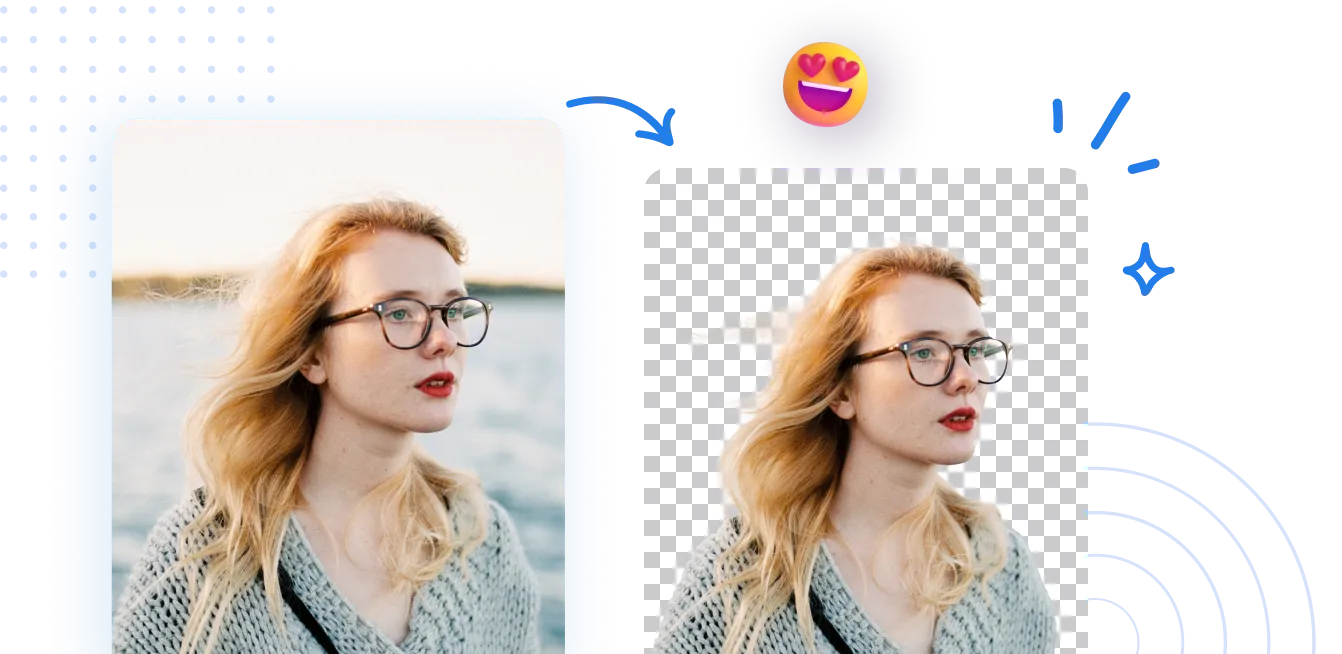
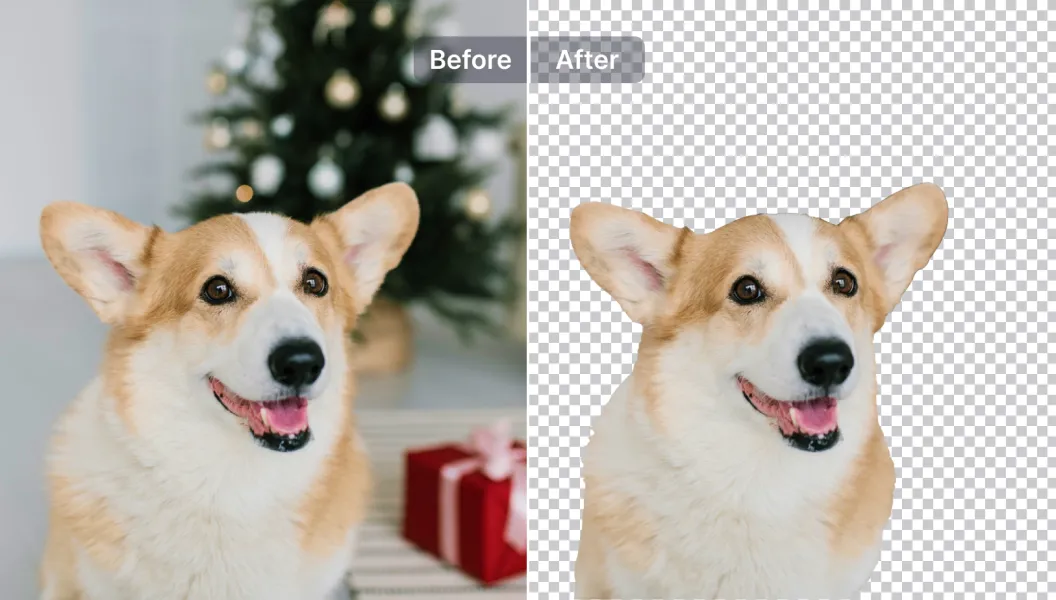
Seamlessly remove background from photos. Edit background with 100+ well-designed templates.

Bildbakgrundsborttagare
med AI
Navigera i PDFs med exakt innehållsåtkomst. Hoppa till figurer, tabeller eller avsnitt; justera vyer, annoteringar eller metadata på bara några få klick med PDF Navigator.
Hur tar man bort bakgrunden från ett foto?
Använd Direktåtkomst i tre enkla steg. Först öppnar du PDF Navigator, väljer sedan en målsida, avsnitt eller position, och följ uppmaningarna för att nå den direkt.
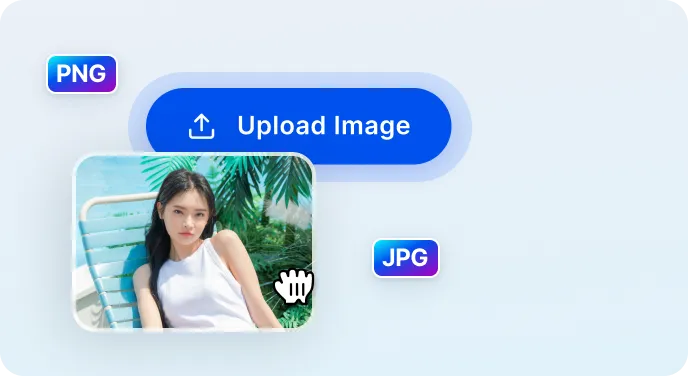
1 Ladda upp bild
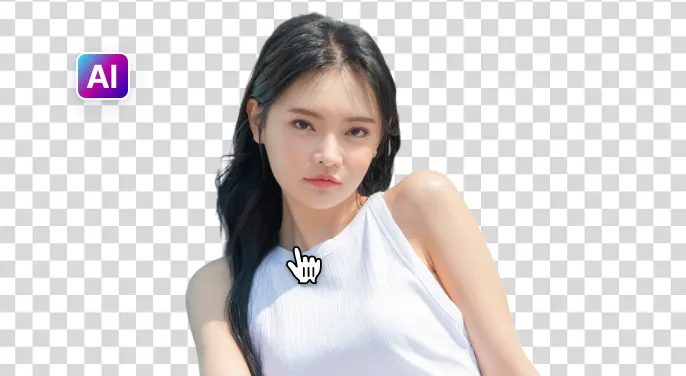
2 Vänta tills AI tar bort bakgrunden
3 Ladda ned bild
Ta bort bildens bakgrund enklare med AI
Snabb & Noggrann Bakgrundsborttagare
PDF-navigatören lokaliserar snabbt och hoppar till målsidan eller avsnittet på under 5 sekunder, och bevarar dokumentets struktur och sammanhang för precisa resultat.
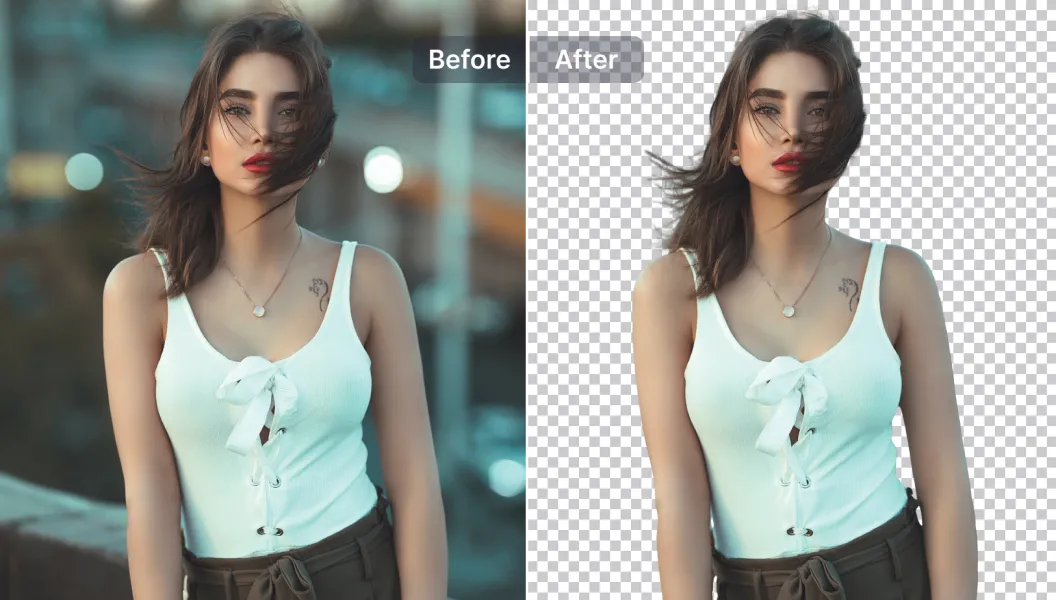
Kraftfulla redigeringsalternativ
Förbättra din PDF-navigering med AI-drivna funktioner: lägg till eller ta bort anteckningar och markeringar, justera vypaneler och förbättra läsbarheten inom navigatören.
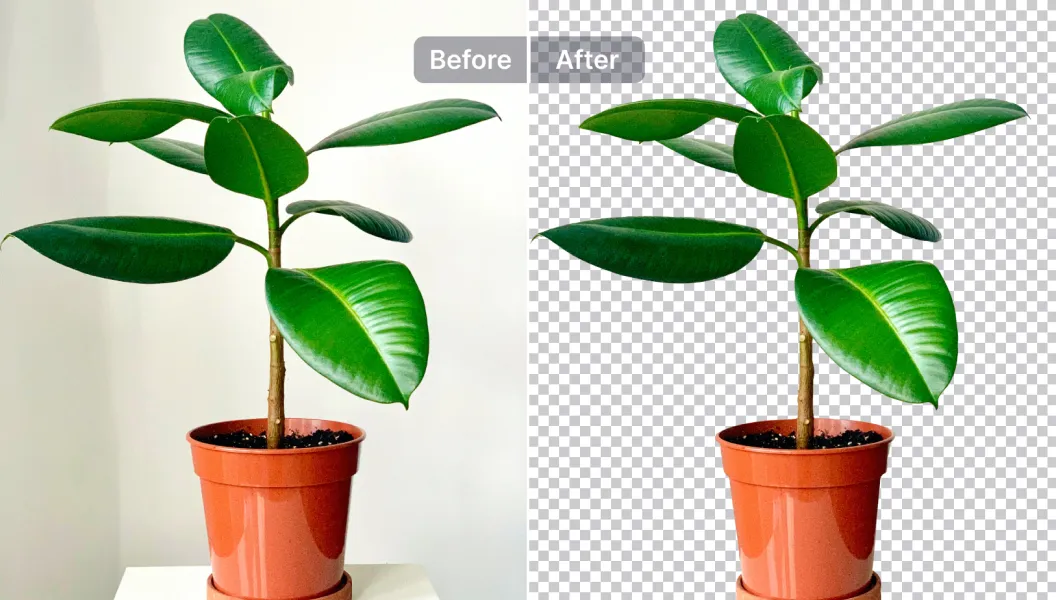
Redigera, byt ut eller gör bakgrunden transparent.
Använd eller ersätt anteckningsmallar för avsnitt, eller välj bland 1 500+ navigationsmallar, eller ladda upp din egen. Perfekt för standardiserade PDF-filer, broschyrer och rapporter.

Free to Try
AIPhotor is free to try for 3 days, after which you can subscribe to one of our incredible value plans.

Free to Try
We automatically sharpen and transform your images with AI to create multiple final looks. But you can also adjust and add a prompt to customize the results. Choose what works best for you!

Quick & Easy
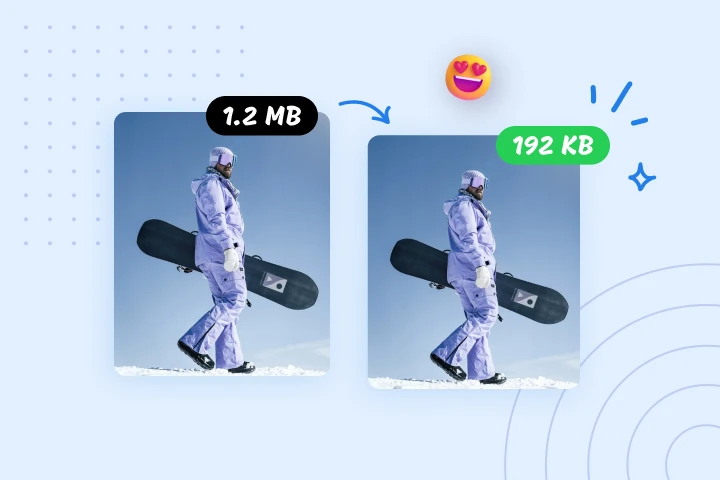
Screen, edit, resize and download your photos lightning fast.

Compatible with all devices
AIPhotor is available on the iOS and Android stores. Our app works seamlessly across mobile, desktop, and tablet devices.
Frequently Asked Questions
-
What is AIPhotor Photo Editor?

 AIPhotor is a visual online photo editing website that leverages AI technology to help automatically remove objects/people from images; retouch, enhance, colorize, correct, cartoonize, and animate photos in a snap, replacing other photo editing tools Photoshop, Pixlr editor, or Photopea.
Or just drag & drop image here, upto 50 images at once
Or just drag & drop image here, upto 50 images at once
Frequently Asked Questions
-
What is AIPhotor Photo Editor?
AIPhotor is a visual online photo editing website that leverages AI technology to help automatically remove objects/people from images; retouch, enhance, colorize, correct, cartoonize, and animate photos in a snap, replacing other photo editing tools Photoshop, Pixlr editor, or Photopea.