
{{ getFeatureName(action_mode) }} your image

Drop your image here.
Our popular AI tools
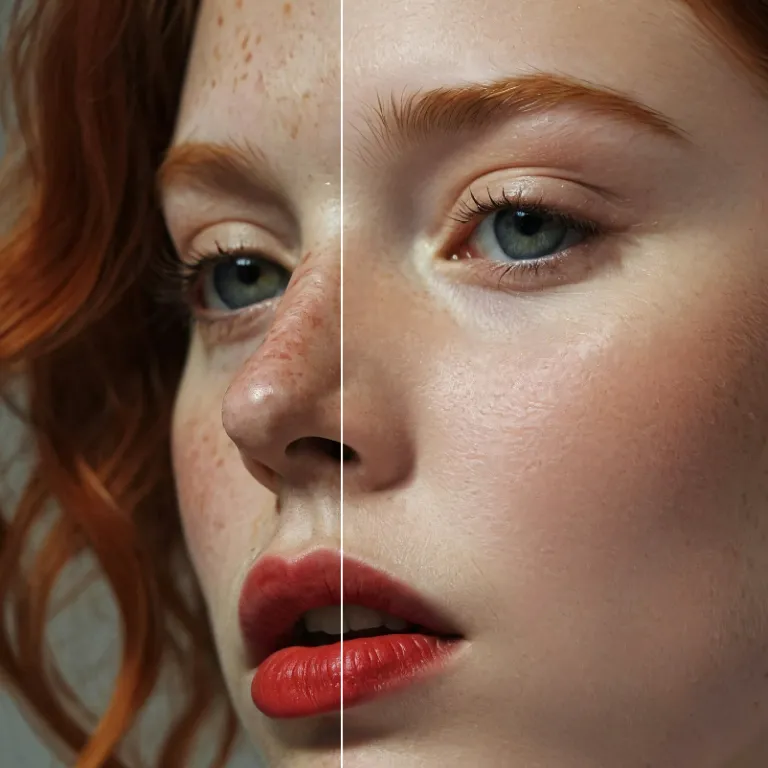
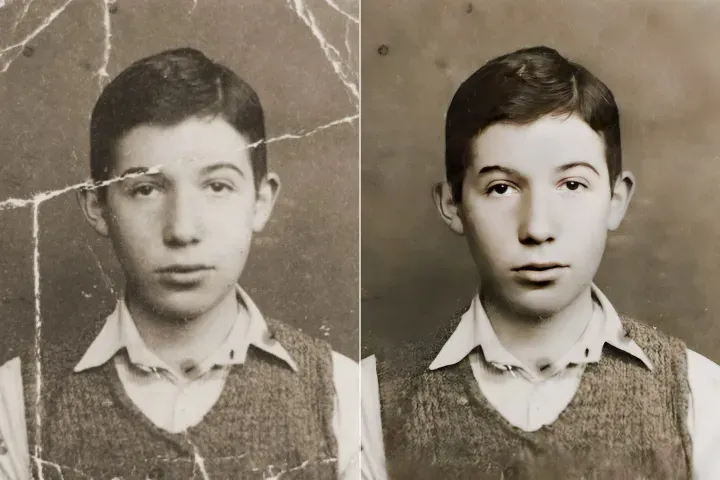
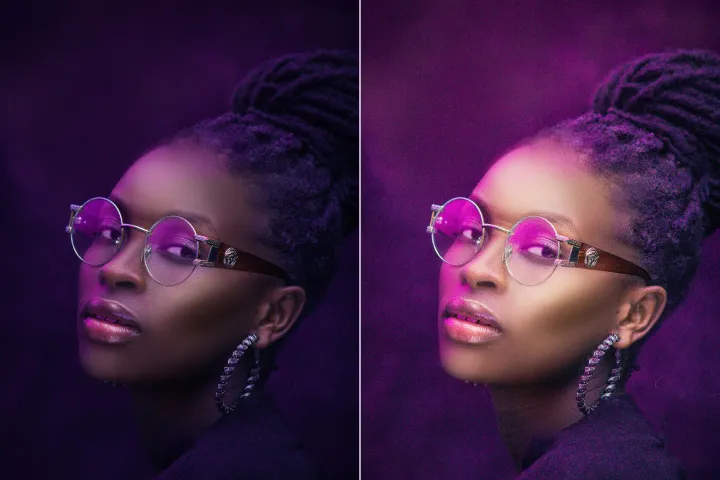
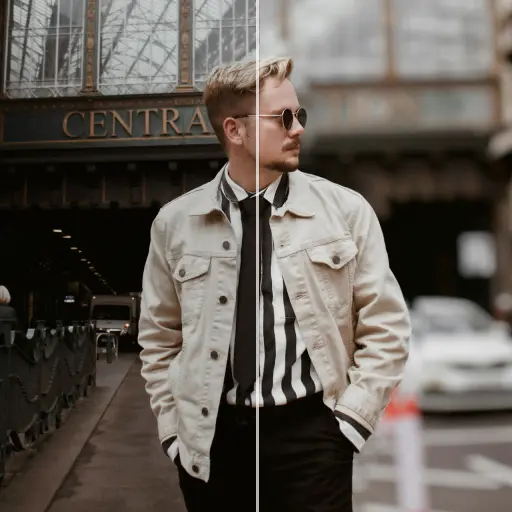
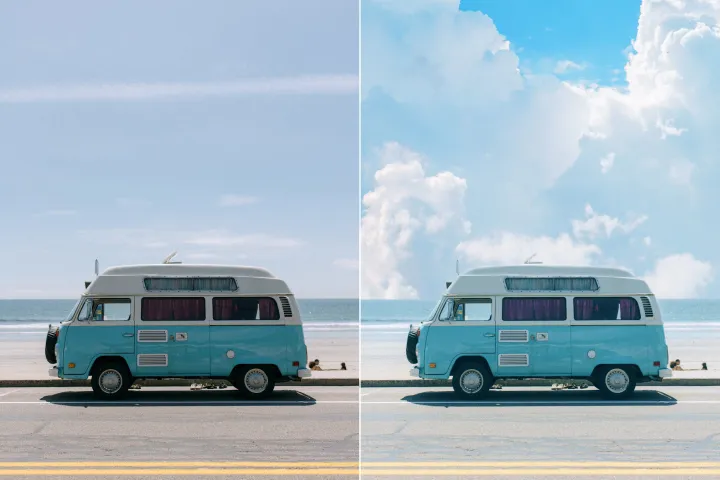
Enhance Photo
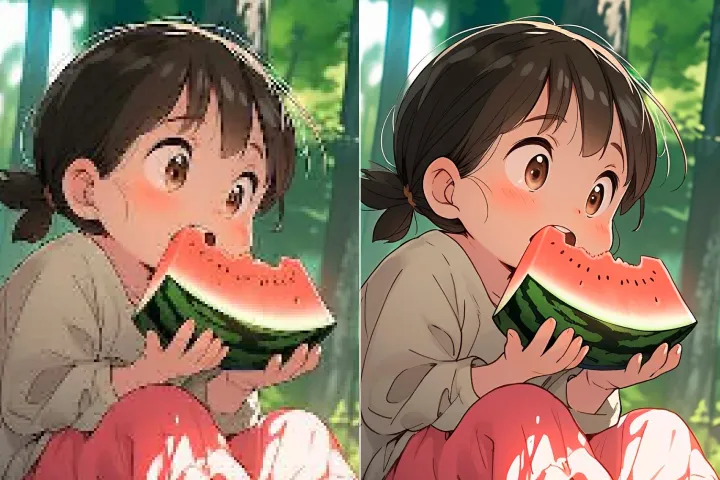
Automatically enhance the blurry photo's resolution and increase the overall quality.
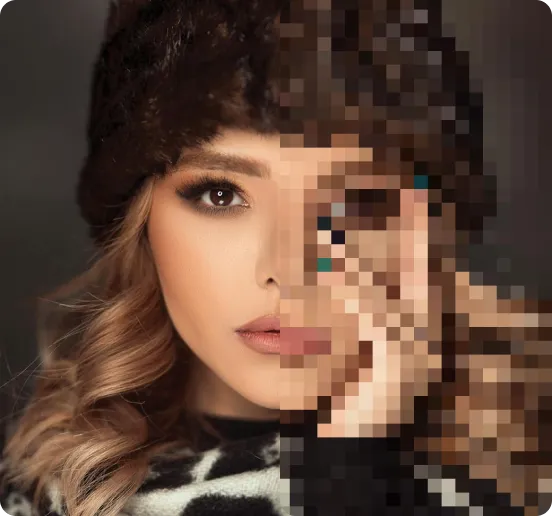
Remove Objects
AIPhotor's One-Touch AI simply detects and removes unwanted details in your picture.
Remove Background
Seamlessly remove background from photos. Edit background with 100+ well-designed templates.


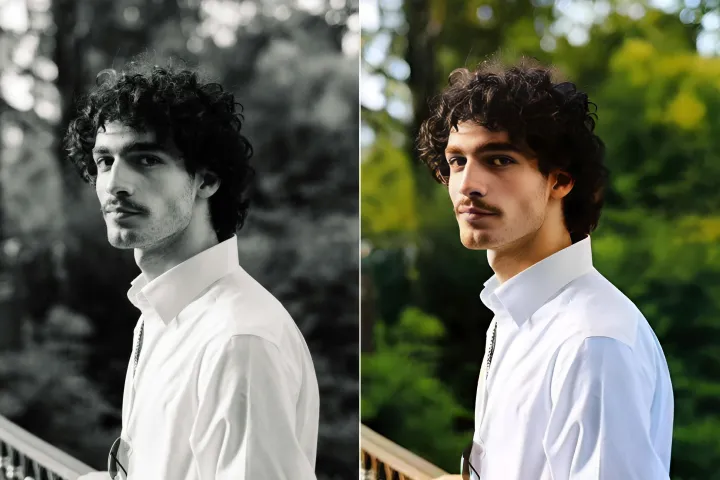
Ta bort objekt
från foton
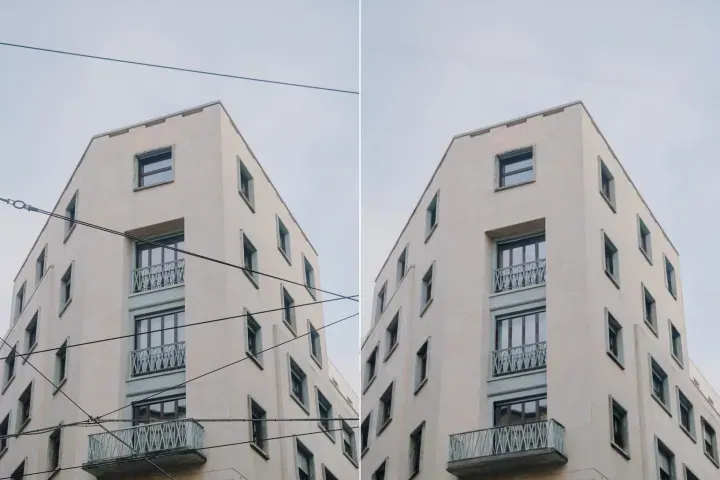
Automatisk upptäckt och borttagning av oönskade objekt från bilder i PDF-filer med AI





Hur man tar bort objekt från bilder i PDF-filer med AI
Följ fyra direkta steg för att ta bort objekt från bilder i PDF-filer med precision och effektivitet:
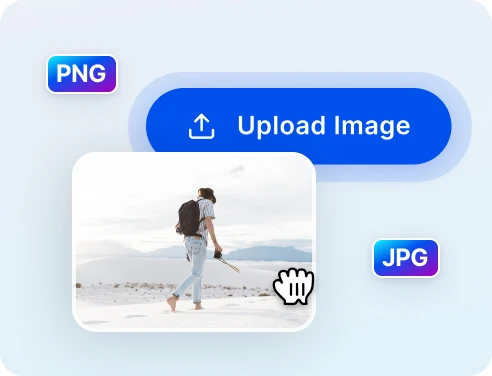
1 Ladda upp foto för borttagning
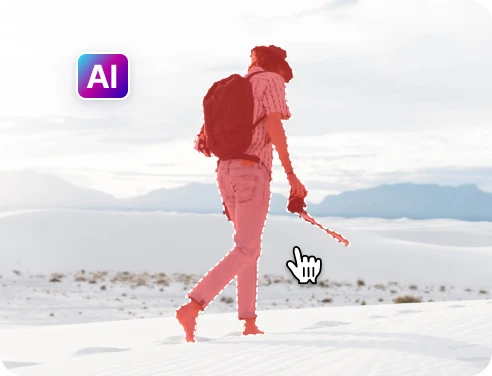
2 Välj objekten som ska tas bort
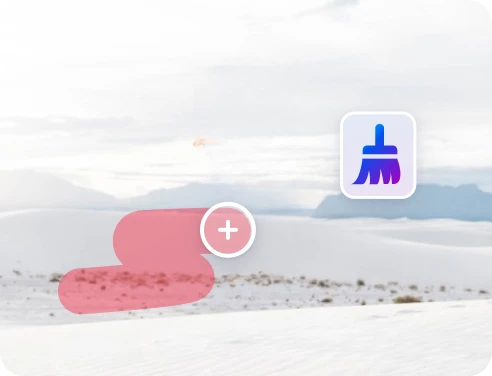
3 Justera och förhandsgranska
4 Ladda ner och dela
Snabb och exakt borttagning av objekt med AI-teknik
Kraftfull AI för borttagning av objekt
Direkt navigering möjliggör snabbare åtkomst till innehåll och precisa hopp, vilket överträffar manuell bläddring.
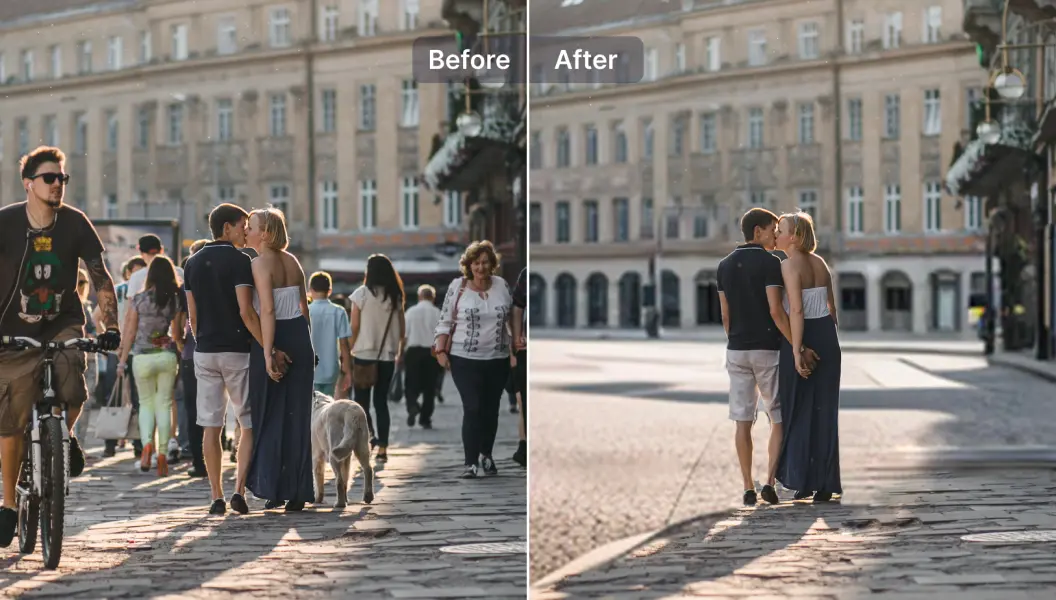
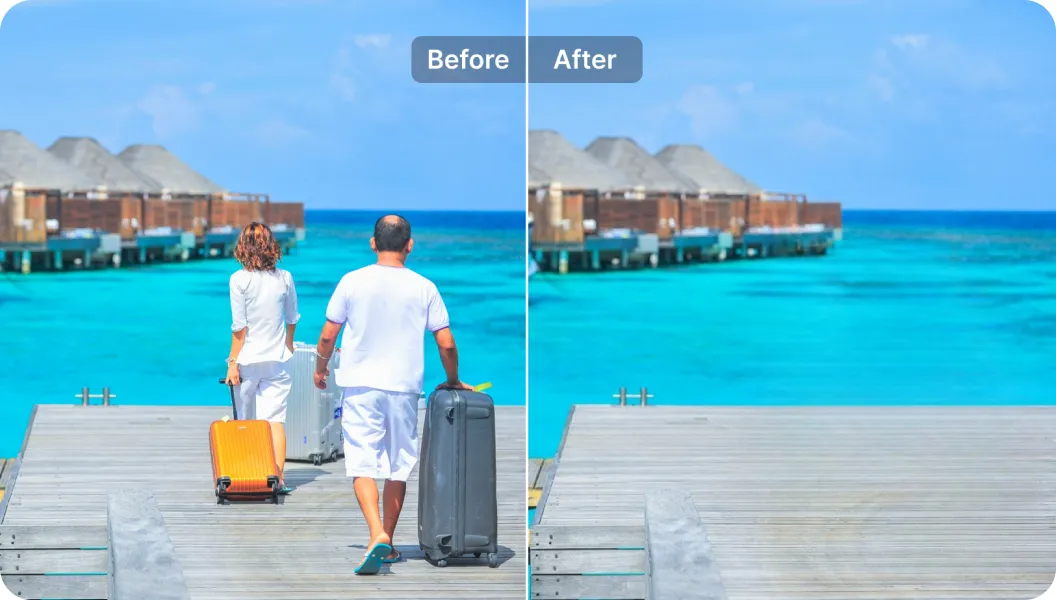
Ta bort turister från resefoton
Enkelt kringgå distraherande avsnitt eller kommentarer med hjälp av riktade sidhopp och ankare.
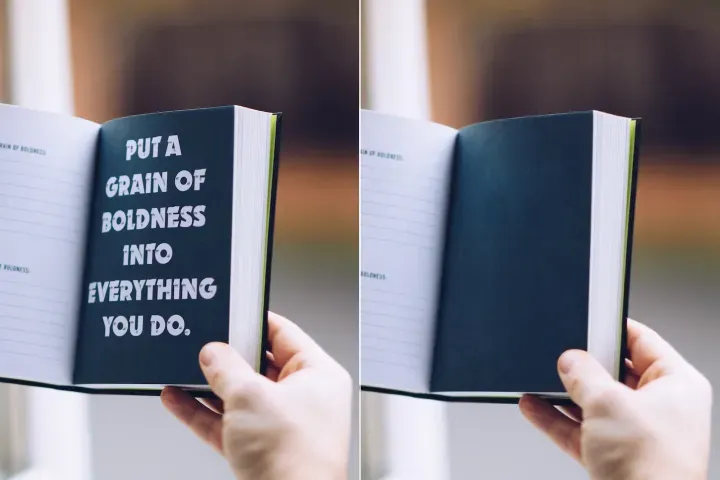
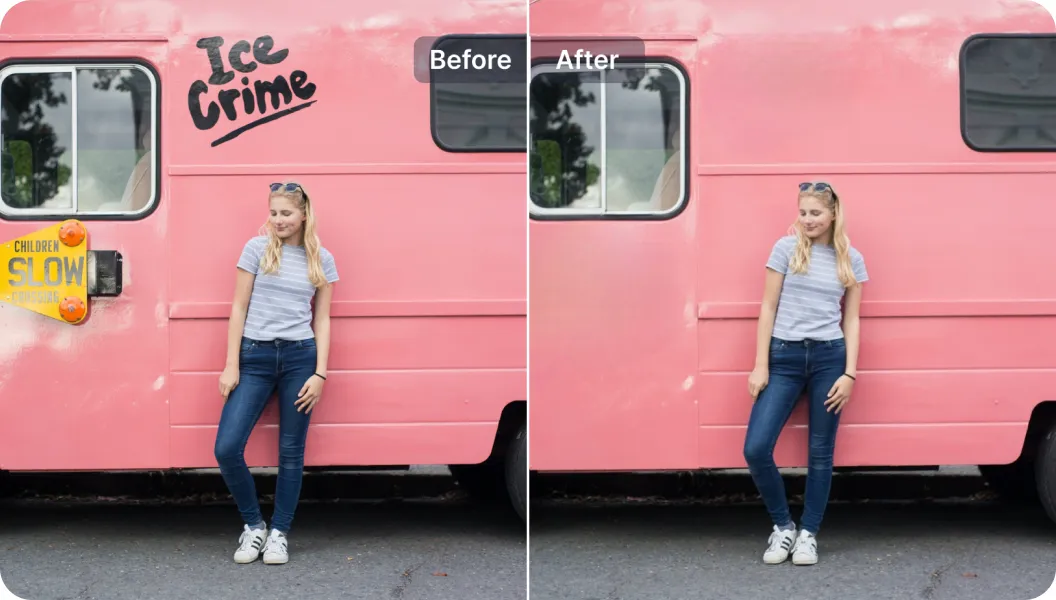
Radera oönskade texter
Ta bort eller ersätt text i PDF-dokument exakt, med innehållsmedveten navigering och selektorer.

Free to Try
AIPhotor is free to try for 3 days, after which you can subscribe to one of our incredible value plans.

Free to Try
We automatically sharpen and transform your images with AI to create multiple final looks. But you can also adjust and add a prompt to customize the results. Choose what works best for you!

Quick & Easy
Screen, edit, resize and download your photos lightning fast.

Compatible with all devices
AIPhotor is available on the iOS and Android stores. Our app works seamlessly across mobile, desktop, and tablet devices.
Frequently Asked Questions
-
What is AIPhotor Photo Editor?

 AIPhotor is a visual online photo editing website that leverages AI technology to help automatically remove objects/people from images; retouch, enhance, colorize, correct, cartoonize, and animate photos in a snap, replacing other photo editing tools Photoshop, Pixlr editor, or Photopea.
Or just drag & drop image here, upto 50 images at once
Or just drag & drop image here, upto 50 images at once
Frequently Asked Questions
-
What is AIPhotor Photo Editor?
AIPhotor is a visual online photo editing website that leverages AI technology to help automatically remove objects/people from images; retouch, enhance, colorize, correct, cartoonize, and animate photos in a snap, replacing other photo editing tools Photoshop, Pixlr editor, or Photopea.